---
title: "Log Out Idle Administrators in Joomla - Code Snippets"
description: "Log administrators out of Joomla after a period of inactivity, with a countdown warning and a button to stay signed in, using one HTML snippet."
url: "https://www.tassos.gr/docs/code-snippets/howto/access-control-security/idle-logout"
date: "2026-10-23T00:39:09+00:00"
language: "en-GB"
---
[ Home ](https://www.tassos.gr/docs) / [ Code Snippets ](https://www.tassos.gr/docs/code-snippets) / [ How-to Guides ](https://www.tassos.gr/docs/code-snippets/howto) / [ Access Control & Security ](https://www.tassos.gr/docs/code-snippets/howto/access-control-security)
# Log Out Idle Administrators in Joomla
## Log administrators out of Joomla after a period of inactivity, with a countdown warning and a button to stay signed in, using one HTML snippet.
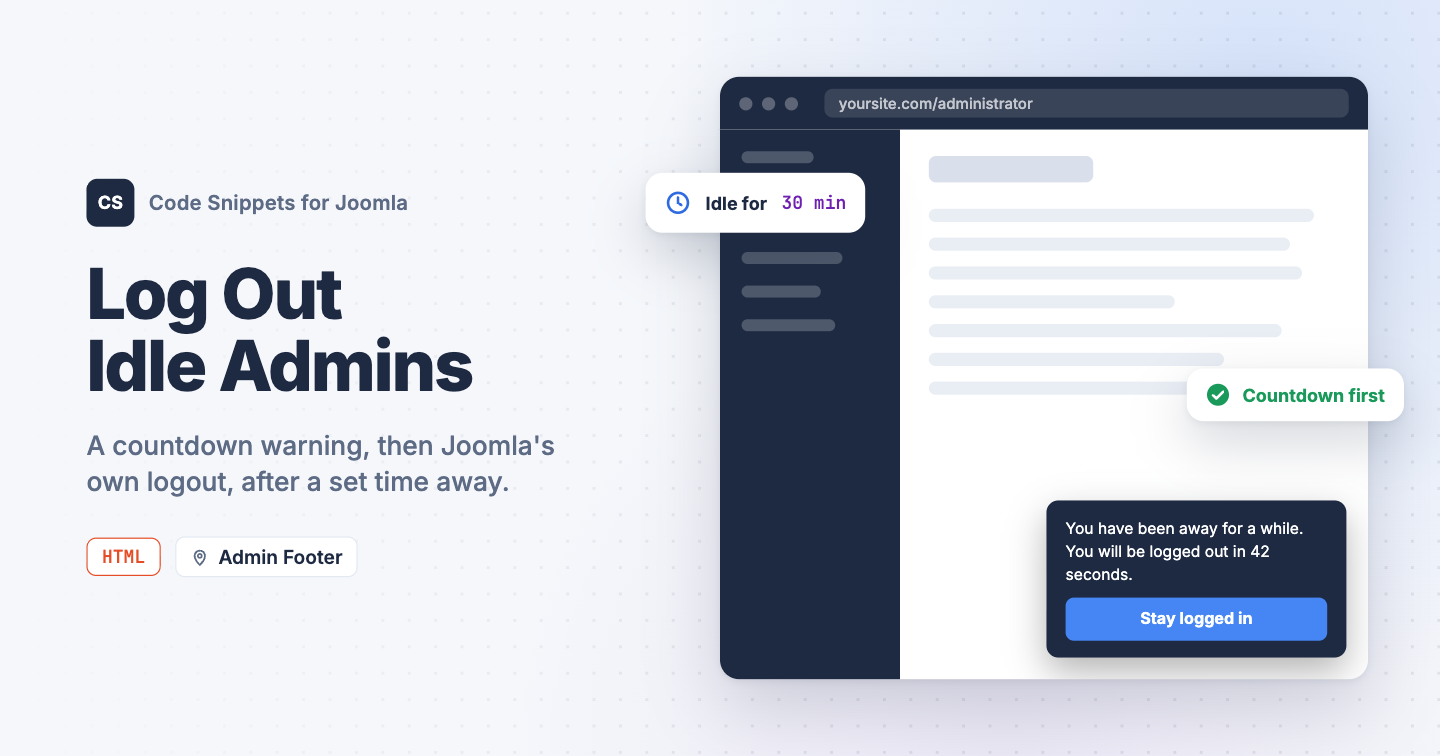An administrator who walks away from an open article leaves a signed-in Joomla session on the screen for anyone who passes by. The session lifetime in Global Configuration doesn't help: Joomla pings the server while an edit form is open, so the session never expires. Security policies often ask for a hard logout after a set time, with a warning first. You can add both to the Joomla administrator with one HTML snippet in Code Snippets.
## [The snippet code](#the-snippet-code)
The snippet starts a timer on every administrator page. After the set number of minutes without a click, a key press or a mouse move, a box appears in the corner with a countdown and a **Stay logged in** button. When the countdown reaches zero, the snippet opens Joomla's own logout link, and the next page is the login screen.
```
```
Change `idleMinutes` to set how long someone can be away before the warning, and `warnSeconds` to set how long the warning stays. While the warning is on screen, moving the mouse doesn't count as being back: a click anywhere or a key press does, and so does the button.
The timer runs in each open tab on its own, so an administrator with two tabs is logged out by whichever one goes idle first. The login screen is left alone.
## [How to add this snippet](#how-to-add-this-snippet)
1. Install [Code Snippets](https://www.tassos.gr/docs/code-snippets/getting-started/how-to-install) if it isn't installed already.
2. Log into your Joomla backend.
3. Go to **Components** → **Tassos Code Snippets**.
4. Click **New**.
5. Enter a title, for example *Idle logout*.
6. Set **Code Type** to **HTML**.
7. Set **Insertion Method** to **Auto-Insert Locations**.
8. Set **Location** to **Admin Footer**.
9. Paste the code above into the editor.
10. Click **Save & Close**.
[Admin locations](https://www.tassos.gr/docs/code-snippets/locations/admin) are part of Code Snippets Pro.
## [Check that it works](#check-that-it-works)
1. Set `idleMinutes` to `1` and `warnSeconds` to `10` for the test, and save the snippet.
2. Open **Content** → **Articles** and keep your hands off the keyboard and mouse.
After a minute the warning appears at the bottom right and counts down from 10. Let it reach zero and you land on the login screen. Reload the articles list again, wait for the warning, and click **Stay logged in**: the box goes away and the minute starts over. Put the real values back when you're done.
Unsaved changes in an open edit form are lost when the logout happens. Pick a warning long enough for someone to get back to the keyboard.
To learn more about how HTML snippets work, read the [HTML snippet docs](https://www.tassos.gr/docs/code-snippets/types/html).
Last updated on Oct 17th 2026 14:10