---
title: "Remove the Forgot Password and Username Links in Joomla - Code Snippets"
description: "Take the forgot password and forgot username links off your Joomla login forms when you manage member accounts yourself, using one PHP snippet."
url: "https://www.tassos.gr/docs/code-snippets/howto/access-control-security/remove-forgot-password-links"
date: "2026-10-23T02:04:29+00:00"
language: "en-GB"
---
[ Home ](https://www.tassos.gr/docs) / [ Code Snippets ](https://www.tassos.gr/docs/code-snippets) / [ How-to Guides ](https://www.tassos.gr/docs/code-snippets/howto) / [ Access Control & Security ](https://www.tassos.gr/docs/code-snippets/howto/access-control-security)
# Remove the Forgot Password and Username Links in Joomla
## Take the forgot password and forgot username links off your Joomla login forms when you manage member accounts yourself, using one PHP snippet.
 Heads up! This article contains PHP code and is intended for developers. We offer this code as a courtesy, but don't provide support for code customizations or 3rd party development.
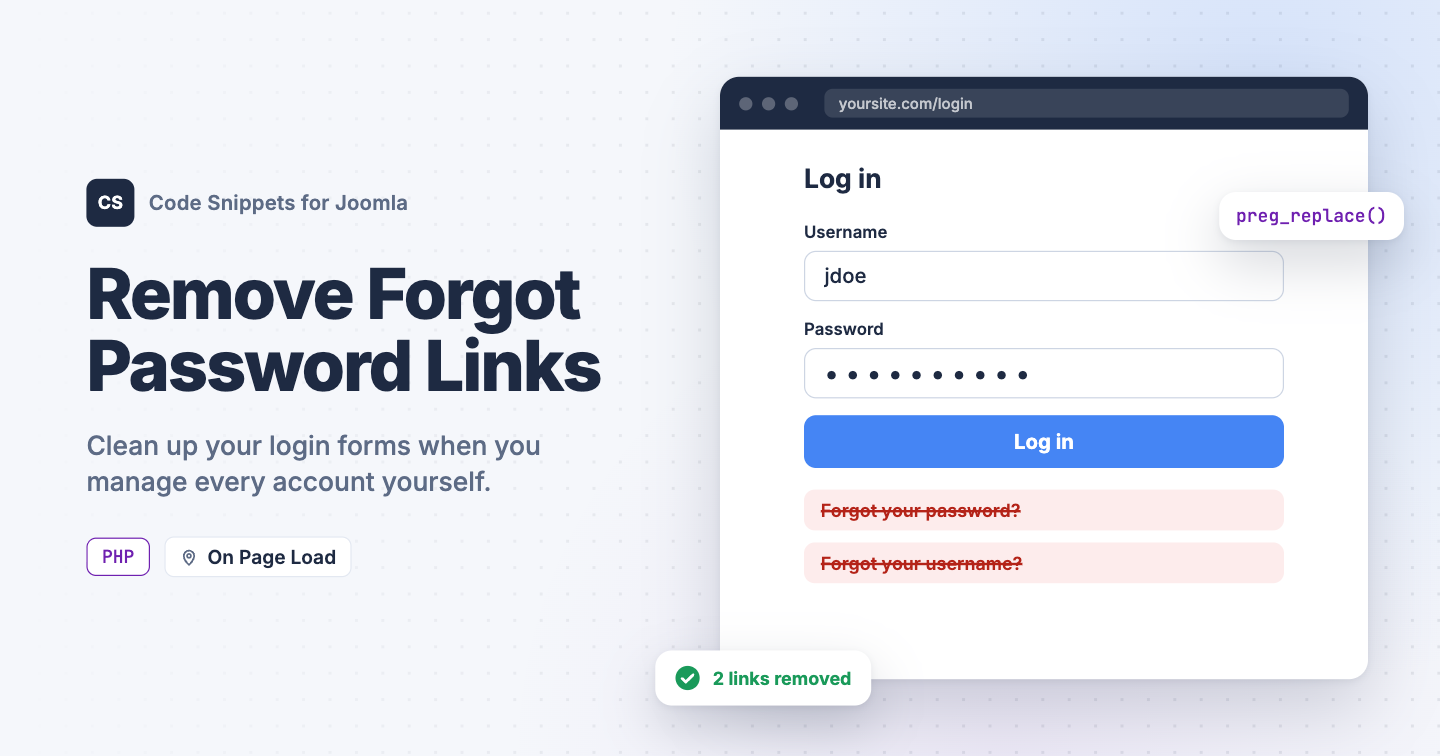
On an intranet, a members-only club or any site where you create every account yourself, the "Forgot your password?" and "Forgot your username?" links invite requests you don't want. Strangers and bots can also use those forms to send reset emails to your members. Joomla has no setting to hide them. You can remove them with one PHP snippet in Code Snippets.
## [The PHP snippet code](#the-php-snippet-code)
The snippet takes the finished page and removes the 2 links with `preg_replace`, both on the login page and in the login module. It builds each link with Joomla's own router, so it finds them with or without search engine friendly URLs.
```
use Joomla\CMS\Factory;
use Joomla\CMS\Router\Route;
// true also closes the reset pages, so typing their address doesn't work either.
// Visitors who try end up on the login page.
$closePages = true;
// Do not edit below.
$app = Factory::getApplication();
$input = $app->getInput();
if ($closePages && $input->getCmd('option') === 'com_users')
{
$isResetView = in_array($input->getCmd('view'), ['reset', 'remind'], true);
$isResetTask = preg_match('/^(reset|remind)\./', $input->getCmd('task'));
if ($isResetView || $isResetTask)
{
$app->redirect(Route::_('index.php?option=com_users&view=login', false));
}
}
$app->registerEvent('onAfterRender', function () use ($app)
{
if ($app->getDocument()->getType() !== 'html')
{
return;
}
$body = $app->getBody();
foreach (['reset', 'remind'] as $view)
{
// Build the link exactly like the login form and login module do.
$link = Route::_('index.php?option=com_users&view=' . $view);
$url = preg_quote($link, '#');
// Remove the link, and the list item around it in the login module.
$body = preg_replace(
'#(\s*)?]*href="' . $url . '"[^>]*>.*?(\s*)?#s',
'',
$body
);
}
// Drop the login module's list if no links are left in it.
$emptyList = '##';
$body = preg_replace($emptyList, '', $body);
$app->setBody($body);
});
```
With `$closePages` set to `true`, the snippet also closes the password reset and username reminder pages. Anyone who opens them or sends their forms lands on the login page, and no email goes out. Set it to `false` to hide the links but keep the pages working.
If you allow registration, the **Create an account** link stays where it is.
## [How to add this snippet](#how-to-add-this-snippet)
1. Install [Code Snippets](https://www.tassos.gr/docs/code-snippets/getting-started/how-to-install) if it isn't installed already.
2. Log into your Joomla backend.
3. Go to **Components** → **Tassos Code Snippets**.
4. Click **New**.
5. Enter a title, for example *Remove forgot password links*.
6. Set **Code Type** to **PHP**.
7. Set **Insertion Method** to **Auto-Insert Locations**.
8. Set **Location** to **On Page Load**.
9. Paste the code above into the editor.
10. Click **Save & Close**.
PHP snippets run on the frontend of your site only, so your Joomla administrator isn't affected. You can still set a new password for any user in **Users** → **Manage**.
## [Check that it works](#check-that-it-works)
1. Open your site in a private browser window.
2. Go to your login page.
The "Forgot your password?" and "Forgot your username?" links should be gone from the login page and from every login module. With `$closePages` set to `true`, opening `index.php?option=com_users&view=reset` on your site takes you back to the login page.
To choose where each user group lands after login, see [Redirect Users After Login by User Group in Joomla](https://www.tassos.gr/docs/code-snippets/howto/access-control-security/redirect-after-login). To learn more about how PHP snippets work, read the [PHP snippet docs](https://www.tassos.gr/docs/code-snippets/types/php).
Last updated on Oct 15th 2026 13:10