---
title: "Add a Facebook Messenger Chat Button to Joomla - Code Snippets"
description: "Let visitors start a Messenger conversation with your Facebook Page from a floating button on every Joomla page, using one HTML snippet."
url: "https://www.tassos.gr/docs/code-snippets/howto/user-experience/facebook-messenger-chat-button"
date: "2026-10-23T01:22:44+00:00"
language: "en-GB"
---
[ Home ](https://www.tassos.gr/docs) / [ Code Snippets ](https://www.tassos.gr/docs/code-snippets) / [ How-to Guides ](https://www.tassos.gr/docs/code-snippets/howto) / [ User Experience ](https://www.tassos.gr/docs/code-snippets/howto/user-experience)
# Add a Facebook Messenger Chat Button to Joomla
## Let visitors start a Messenger conversation with your Facebook Page from a floating button on every Joomla page, using one HTML snippet.
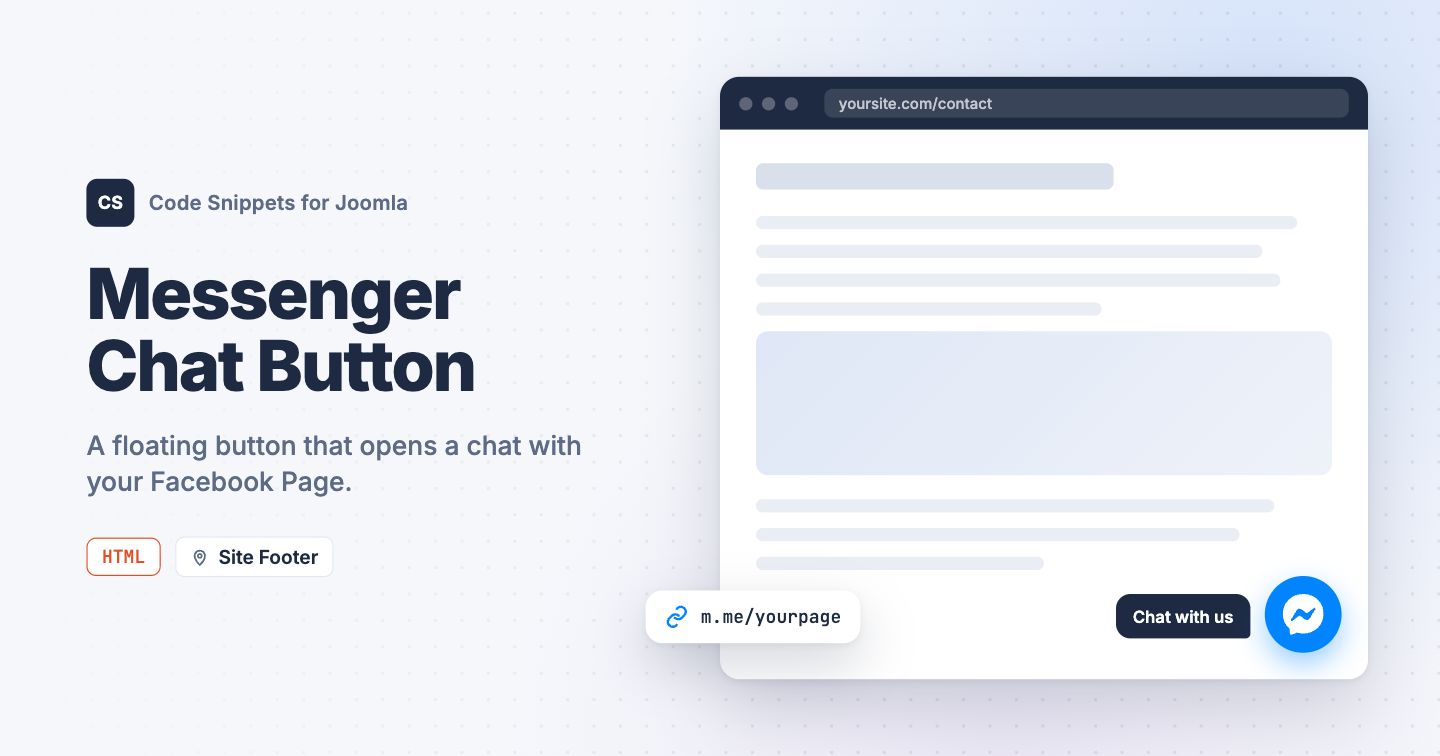Your customers already message your Facebook Page, but on your site they have to hunt for a contact form. A Messenger button in the corner of every page starts the conversation in the app they use anyway. You can add a Facebook Messenger chat button to Joomla with one HTML snippet in Code Snippets.
## [How to get your Messenger link](#how-to-get-your-messenger-link)
Every Facebook Page has a Messenger address at `m.me/` followed by the Page's username. The username is the last part of your Page's web address: for `facebook.com/tassosgr` it's `tassosgr`, and the Messenger link is `https://m.me/tassosgr`. If your Page has no username yet, set one under the Page's settings on Facebook.
Meta retired the Messenger Chat Plugin that opened a chat window inside your site in May 2024, so old embed codes no longer work. The m.me link is Meta's own replacement: it opens the conversation in Messenger on the web or in the app.
## [The HTML snippet code](#the-html-snippet-code)
The snippet adds a round blue button with the Messenger logo to the bottom right corner of every page. It stays in place while the visitor scrolls and opens your Page's Messenger conversation in a new tab.
```
```
Replace `yourpage` in the link with your Page's username. To move the button to the left side, change `right: 20px` to `left: 20px`. To change the color, edit the 2 `background` values: the first is the normal color, the second the hover color.
## [How to add this snippet](#how-to-add-this-snippet)
1. Install [Code Snippets](https://www.tassos.gr/docs/code-snippets/getting-started/how-to-install) if it isn't installed already.
2. Log into your Joomla backend.
3. Go to **Components** → **Tassos Code Snippets**.
4. Click **New**.
5. Enter a title, for example *Messenger button*.
6. Set **Code Type** to **HTML**.
7. Set **Insertion Method** to **Auto-Insert Locations**.
8. Set **Location** to **Site Footer**.
9. Paste the code above into the editor.
10. Replace `yourpage` with your Page's username.
11. Click **Save & Close**.
## [Show it only on some pages](#show-it-only-on-some-pages)
1. Open the snippet and go to the **Conditional Logic** tab.
2. Set **Display on** to **Selected Pages**.
3. Click **New Condition Set**.
4. Click **Select Condition** and choose **Menu**.
5. Pick the menu items where the button should appear.
6. Click **Save & Close**.
Learn more in [Conditional Logic](https://www.tassos.gr/docs/code-snippets/functionality/conditional-logic).
## [Check that it works](#check-that-it-works)
1. Open any page on your site.
2. Click the blue button in the bottom right corner.
A new tab opens on Messenger with a conversation with your Page. Visitors who are logged into Facebook can type right away.
To offer WhatsApp as well, see [Add a WhatsApp Chat Button in Joomla](https://www.tassos.gr/docs/code-snippets/howto/user-experience/whatsapp-chat-button). To learn more about HTML snippets, read the [HTML snippet docs](https://www.tassos.gr/docs/code-snippets/types/html).
Last updated on Oct 15th 2026 15:10