---
title: "Add Google Fonts to Joomla - Code Snippets"
description: "Give your Joomla site any typeface from Google's library, applied to body text and headings without touching template files, using one HTML snippet."
url: "https://www.tassos.gr/docs/code-snippets/howto/user-experience/google-fonts"
date: "2026-10-23T00:38:59+00:00"
language: "en-GB"
---
[ Home ](https://www.tassos.gr/docs) / [ Code Snippets ](https://www.tassos.gr/docs/code-snippets) / [ How-to Guides ](https://www.tassos.gr/docs/code-snippets/howto) / [ User Experience ](https://www.tassos.gr/docs/code-snippets/howto/user-experience)
# Add Google Fonts to Joomla
## Give your Joomla site any typeface from Google's library, applied to body text and headings without touching template files, using one HTML snippet.
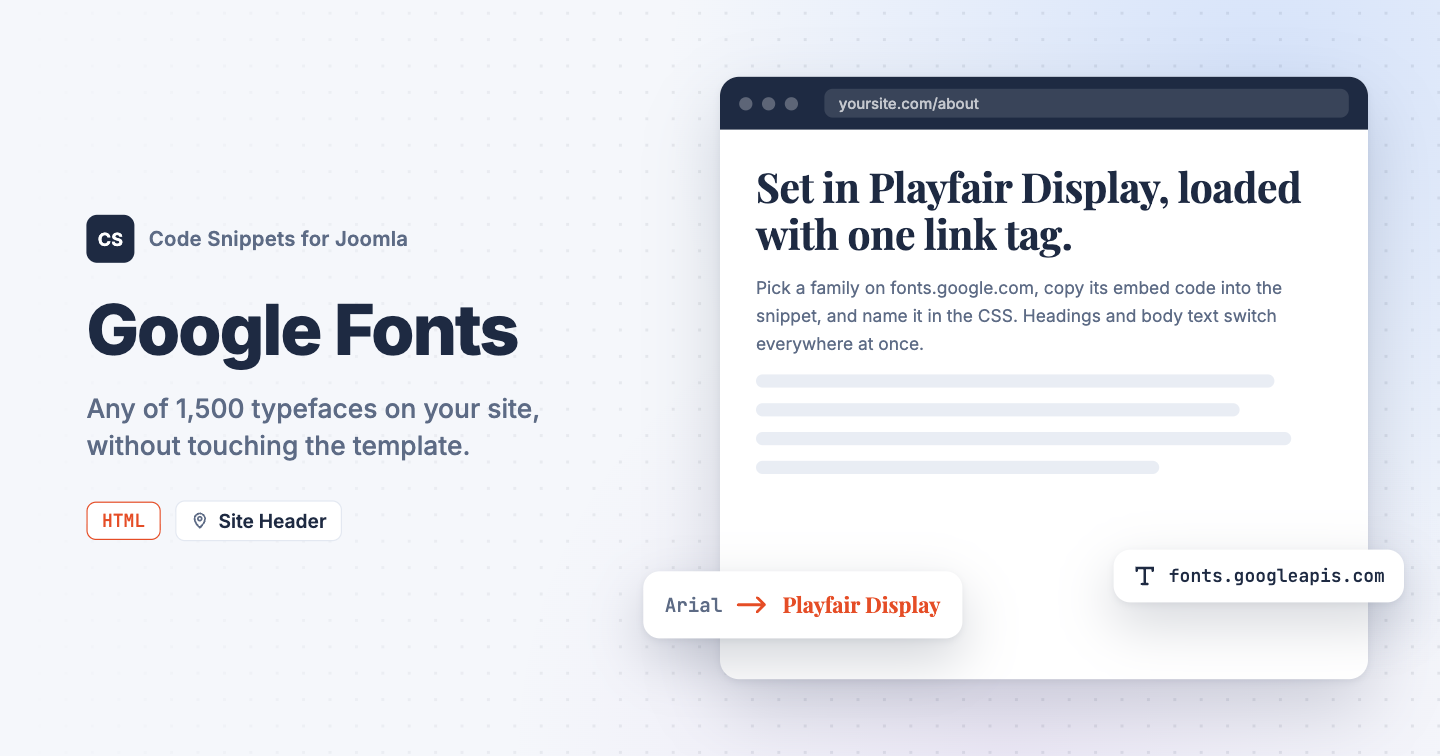Your template ships with one typeface, and swapping it means editing template files that the next update overwrites. Google Fonts has over 1,500 families you can load with a single link tag. You can add Google Fonts to Joomla with one HTML snippet in Code Snippets.
## [The HTML snippet code](#the-html-snippet-code)
The snippet loads the Inter family in 3 weights from Google's servers and applies it to body text and headings. The 2 `preconnect` lines let the browser open the connection early, so the font arrives sooner.
```
```
To use another family:
1. Open [fonts.google.com](https://fonts.google.com/) and pick a family.
2. Select the weights you need and open the **Get embed code** panel.
3. Copy the `` lines into the snippet in place of the 3 lines at the top.
4. Replace `'Inter'` in the CSS with the family name from the **CSS class** section of the same panel.
Cassiopeia, the default Joomla template, reads its fonts from the 2 variables in the `:root` block, so the font applies everywhere at once. The `body` rule covers templates that don't use those variables. To use different fonts for headings and body text, load both families and set each variable to its own font.
Each visitor's browser downloads the font from Google's servers, which see the visitor's IP address. Under some privacy rules, including the GDPR as a German court read it, that needs the visitor's consent. If that's a concern for your site, download the font files and host them yourself.
## [How to add this snippet](#how-to-add-this-snippet)
1. Install [Code Snippets](https://www.tassos.gr/docs/code-snippets/getting-started/how-to-install) if it isn't installed already.
2. Log into your Joomla backend.
3. Go to **Components** → **Tassos Code Snippets**.
4. Click **New**.
5. Enter a title, for example *Google Fonts*.
6. Set **Code Type** to **HTML**.
7. Set **Insertion Method** to **Auto-Insert Locations**.
8. Set **Location** to **Site Header**.
9. Paste the code above into the editor.
10. Click **Save & Close**.
## [Check that it works](#check-that-it-works)
1. Open any page on your site. The text already looks different if your template used another typeface.
2. Right-click a paragraph, choose **Inspect**, and open the **Computed** tab in the browser's developer tools.
**font-family** reads `Inter, sans-serif`, and the **Network** tab shows font files downloaded from `fonts.gstatic.com`.
To learn more about HTML snippets, read the [HTML snippet docs](https://www.tassos.gr/docs/code-snippets/types/html).
Last updated on Oct 15th 2026 15:10