---
title: "Add a Reading Progress Bar to Joomla - Code Snippets"
description: "Show visitors how much of the page is left with a progress bar that fills up as they read your Joomla site, using one HTML snippet."
url: "https://www.tassos.gr/docs/code-snippets/howto/user-experience/reading-progress-bar"
date: "2026-10-22T23:49:39+00:00"
language: "en-GB"
---
[ Home ](https://www.tassos.gr/docs) / [ Code Snippets ](https://www.tassos.gr/docs/code-snippets) / [ How-to Guides ](https://www.tassos.gr/docs/code-snippets/howto) / [ User Experience ](https://www.tassos.gr/docs/code-snippets/howto/user-experience)
# Add a Reading Progress Bar to Joomla
## Show visitors how much of the page is left with a progress bar that fills up as they read your Joomla site, using one HTML snippet.
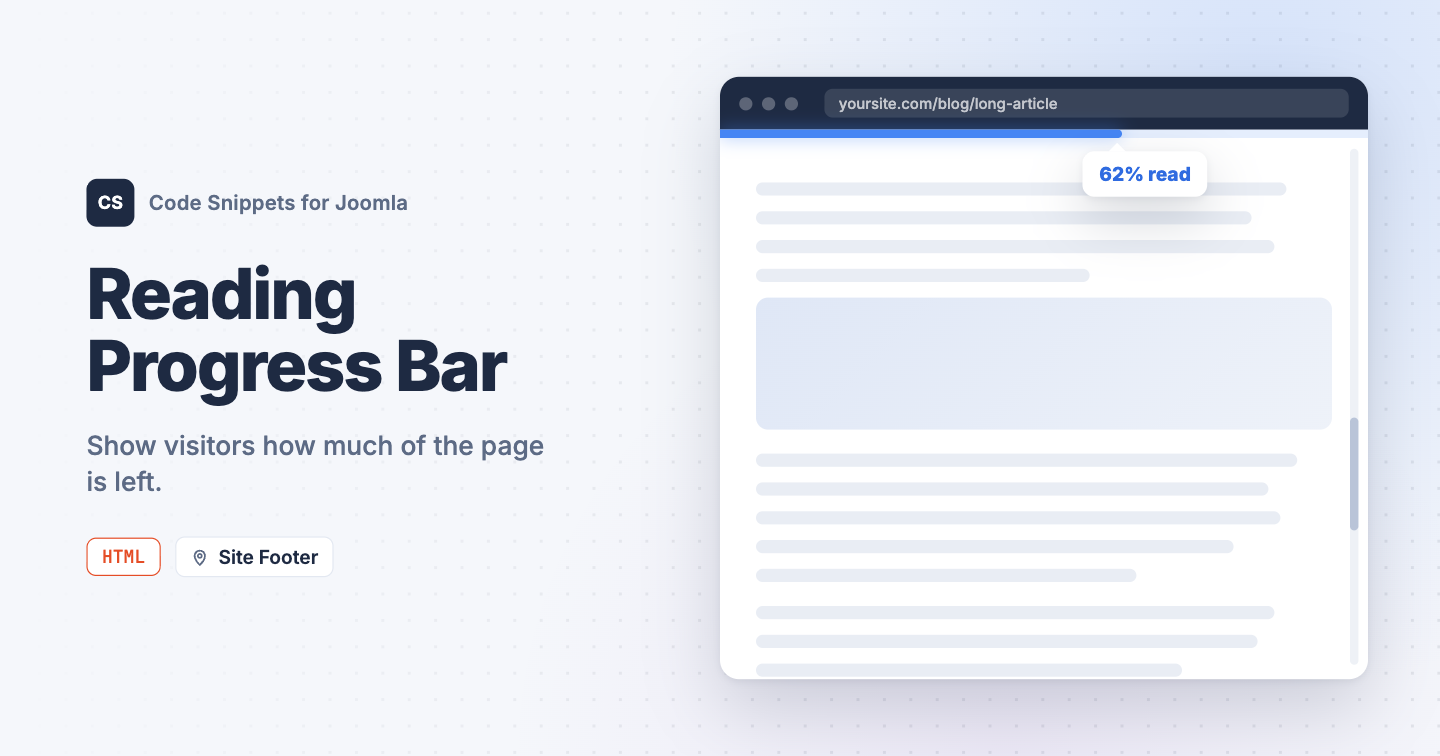A thin bar across the top of the screen that fills up as you read shows visitors how much of the page is left. It helps readers pace themselves through long posts. You can add one to your Joomla site with a single HTML snippet in Code Snippets.
## [The snippet code](#the-snippet-code)
This HTML snippet adds the bar, its styling, and a small script that fills it as the visitor scrolls. It measures how far down the page they are, so it works on any page of your site.
```
```
Pages too short to scroll keep the bar hidden. To show it only on some pages, like your blog posts, open the **Conditional Logic** tab and set **Display on** to **Selected Pages**. Learn more in [Run a snippet on specific pages](https://www.tassos.gr/docs/code-snippets/recipes/run-a-snippet-on-specific-pages).
To change the look, edit `height` and `background` in the style block. To show the bar at the bottom of the screen, change `top: 0;` to `bottom: 0;`.
## [How to add this snippet](#how-to-add-this-snippet)
1. Install [Code Snippets](https://www.tassos.gr/docs/code-snippets/getting-started/how-to-install) if it isn't installed already.
2. Log into your Joomla backend.
3. Go to **Components** → **Tassos Code Snippets**.
4. Click **New**.
5. Enter a title, for example *Reading progress bar*.
6. Set **Code Type** to **HTML**.
7. Set **Insertion Method** to **Auto-Insert Locations**.
8. Set **Location** to **Site Footer**.
9. Paste the code above into the editor.
10. Click **Save & Close**.
## [Check that it works](#check-that-it-works)
1. Open a long page on your site.
2. Scroll down to the bottom.
The bar should fill from left to right and reach the end at the bottom of the page.
The progress bar pairs well with an [estimated reading time](https://www.tassos.gr/docs/code-snippets/howto/content-enhancement/display-article-reading-time) and [smooth scrolling](https://www.tassos.gr/docs/code-snippets/howto/user-experience/smooth-scrolling).
To learn more about HTML snippets, read the [HTML snippet docs](https://www.tassos.gr/docs/code-snippets/types/html).
Last updated on Oct 15th 2026 12:10