

Unsubscribe user when account is deleted
MailChimp Auto-Subscribe can automatically unsubscribe users from MailChimp when their Joomla account is deleted.
This keeps your list clean and aligned with your Joomla user base.
How to enable it
- Login to your Joomla Administrator area.
- Go to System > Manage > Plugins.
- Search for MailChimp Auto-Subscribe and open the plugin.
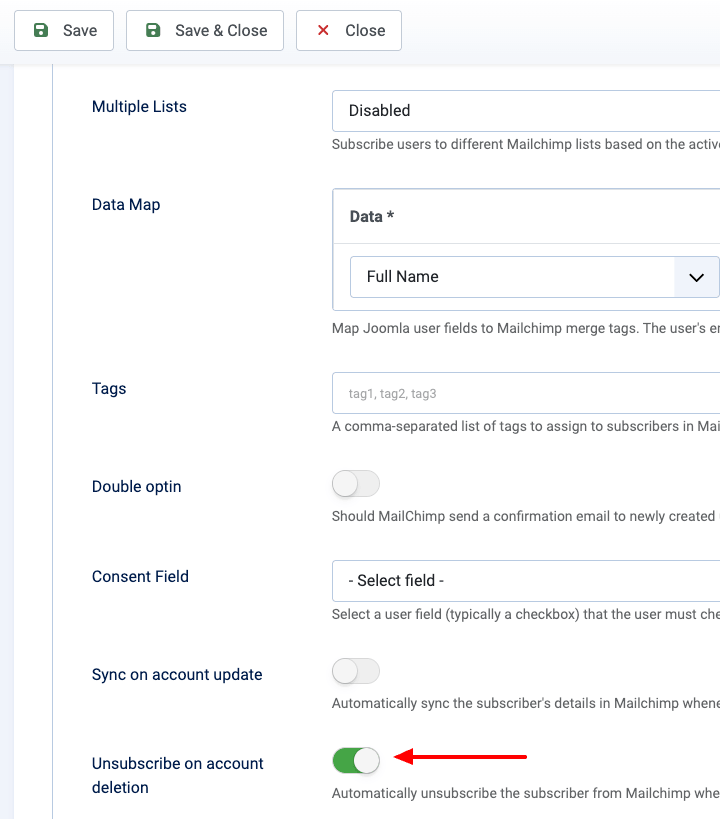
- In the plugin settings, enable Unsubscribe on account deletion, and click Save.
Last updated on May 5th 2026 13:05

Tassos offers a premium suite of Joomla extensions with 7 products and over 2.4 million downloads, providing reliable solutions since 2014.


 Rated:
Copyright © 2014 - 2026 - Smile Motive Development LP. All Rights Reserved.