

Upgrade any of our extensions to Pro to use it, or get all of them with the Bundle.
Unlock this feature
User Account
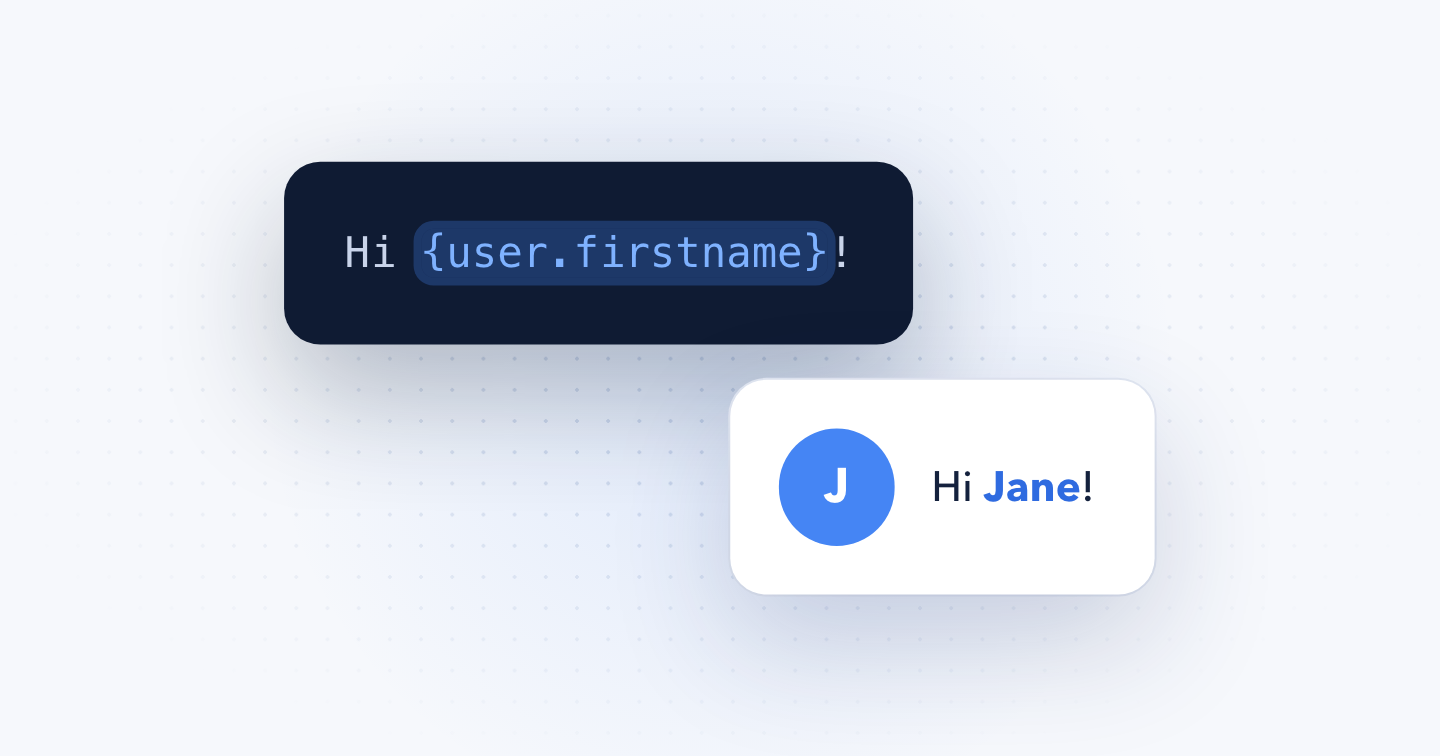
Show the logged-in user's name, email, username, user groups or access levels anywhere on your site with the {user} Smart Tags.
User Account is available in Pro
Use the {user} Smart Tags to retrieve information about the currently logged-in user. This Smart Tag can return the value of any property from the Joomla User object as long as you know the property's name.
{user.USER_PROPERTY}Below is a list of this category's most popular Smart Tags.
{user.id}
Returns the ID of the user.
{user.name}
Returns the name of the user.
{user.firstname}
Returns the first name of the user.
{user.lastname}
Returns the last name of the user.
{user.login}
Returns the username of the user.
{user.email}
Returns the email address of the user.
{user.registerDate}
Returns the registration date of the user in the site's date format, e.g. 2025-03-14 09:30.
{user.groups}
Returns the IDs of the user groups comma-separated, e.g. 1,2,5.
{user.groupTitles}
Returns the titles of the user groups comma-separated, e.g. Public,Registered.
{user.authLevels}
Returns the IDs of the user access levels comma-separated, e.g. 1,2,6.
{user.authLevelTitles}
Returns the titles of the user access levels comma-separated, e.g. Public,Registered,Special.
Custom Fields
To output a custom field value associated with the currently logged-in user, use:
{user.field.NAME}Replace NAME with the name (not the label) of your custom field. For instance, if you have a custom field named age:
{user.field.age}You can access additional properties of a custom field by appending the appropriate property name after the field name.
{user.field.NAME.rawvalue}
{user.field.NAME.id}
For advanced usage, including subforms, field labels and disabling content plugins, see Using Custom Fields in Smart Tags.
Profile fields
To output fields from Joomla's User - Profile plugin, like the user's address, city or phone number, see the User Profile Smart Tags.
Notes
The following rules apply:
- All Smart Tags in this set return an empty string if the user isn't logged in. The group and access level Smart Tags are the exception: for a guest they return the guest's groups and levels, by default Public and Guest.
- For security purposes, the “password” property can’t be accessed.
Last updated on Nov 11th 2026 14:11
Schema and Structured Data Extension for Joomla
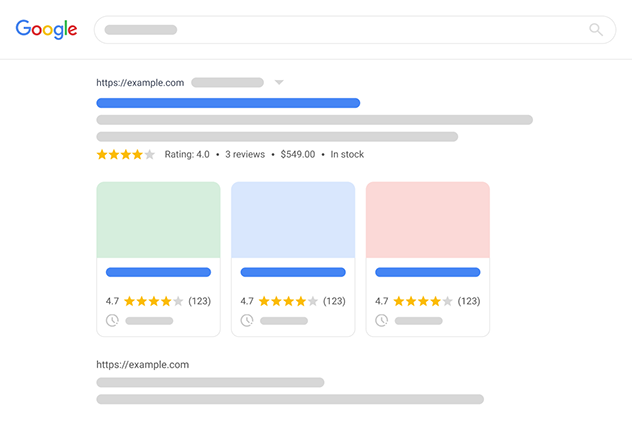
Markup your content with structured data and enhance the appearance of your website with rich results. Boost Joomla SEO in a few clicks.

Tassos offers a premium suite of Joomla extensions with 7 products and over 2.5 million downloads, providing reliable solutions since 2014.


 Rated:

Copyright © 2014 - 2026 - Smile Motive Development LP. All Rights Reserved.