

-
- How to Add a User to a Joomla Group Programmatically
- How to Send Emails in Joomla with PHP
- How to Connect to an External Database in Joomla with PHP
- How to Check If the Current User is Super User in Joomla with PHP
- How to Check if the Current Page Is the Homepage in Joomla with PHP
- How to Create a User Account in Joomla with PHP
- How to Create an Article in Joomla with PHP
- PHP Scripts Collection
Site
Use the {site.name}, {site.email} and {site.url} Smart Tags to show your site's name, email address, or base URL anywhere on your site.
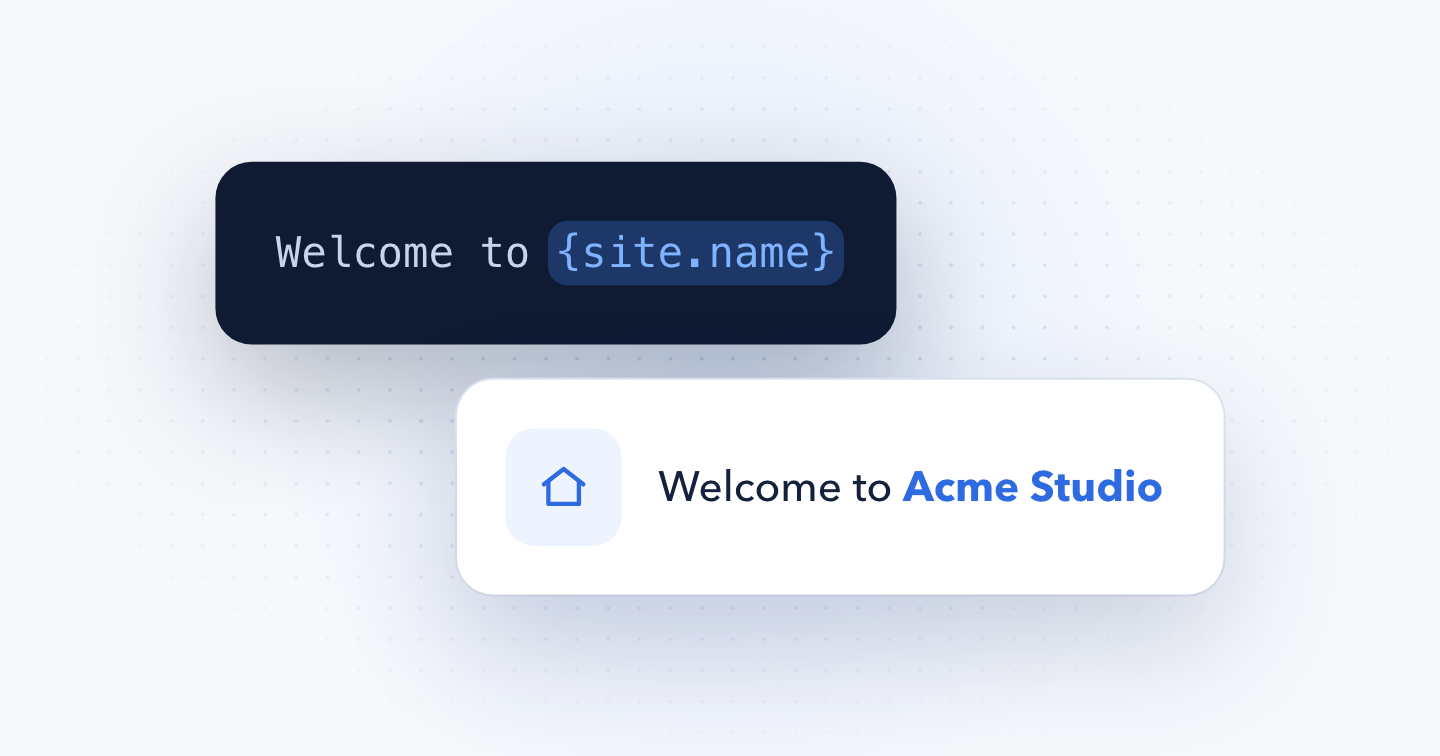
Here, you will find a list of Smart Tags that return information about the site.
{site.email}
Returns the site's email address, as set in the From Email option of the Joomla Global Configuration page.
{site.name}
Returns the site's name as set in the Joomla Global Configuration page.
{site.url}
Returns the site's base URL. For example: https://www.tassos.gr/
Last updated on Nov 11th 2026 14:11
In This Article

The all-in-one Joomla Custom Fields Collection
Enhance Joomla built-in functionality with a huge collection of custom fields and display additional information to articles and pages easily.

Tassos offers a premium suite of Joomla extensions with 7 products and over 2.5 million downloads, providing reliable solutions since 2014.


 Rated:

Copyright © 2014 - 2026 - Smile Motive Development LP. All Rights Reserved.