

-
- How to Add a User to a Joomla Group Programmatically
- How to Send Emails in Joomla with PHP
- How to Connect to an External Database in Joomla with PHP
- How to Check If the Current User is Super User in Joomla with PHP
- How to Check if the Current Page Is the Homepage in Joomla with PHP
- How to Create a User Account in Joomla with PHP
- How to Create an Article in Joomla with PHP
- PHP Scripts Collection
Uninstall an extension
Remove a Tassos extension and all its parts from Joomla, and learn which data you lose when you uninstall it.
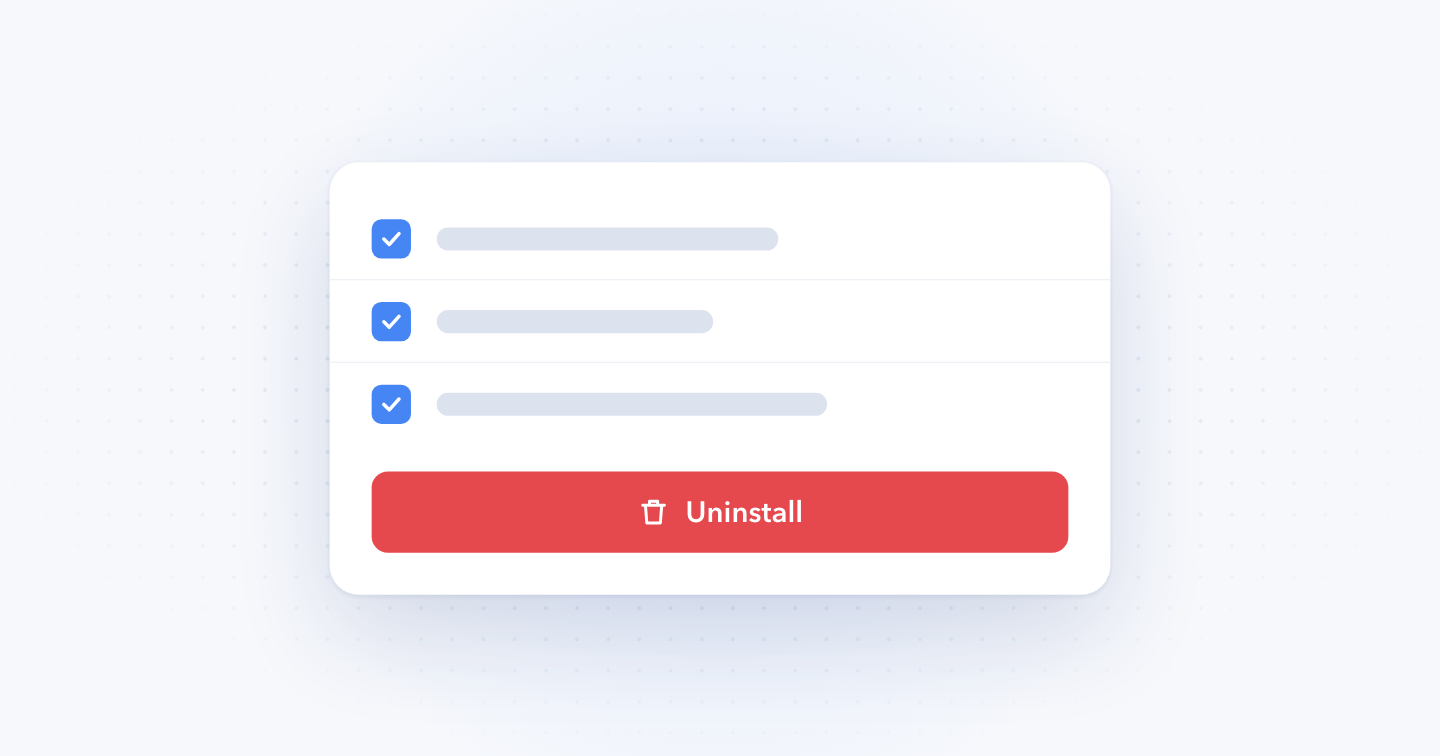
You uninstall a Tassos extension from Joomla's Extensions manager. Most of our extensions add several parts to your site, like a component and a few plugins, so you remove them all together.
Uninstalling deletes the extension's data from your database. Google Structured Data removes your Structured Data Items and settings, Convert Forms removes your forms and submissions, and EngageBox removes your boxes. Installing the extension again doesn't bring them back.
Uninstall an extension
- Take a full backup of your site.
- Log into your Joomla backend.
- Go to System → Manage → Extensions.
- Search for the extension's name, for example EngageBox.
- Select every item in the results that belongs to the extension.
- Click Uninstall.
Convert Forms needs its parts removed in a set order. Follow Uninstalling Convert Forms instead.
After you uninstall
Joomla leaves behind the things you created with the extension, like menu items and modules. Go through your menus and modules and remove the ones that pointed to it.
Switching from Pro to Free?
A downgrade starts with uninstalling the Pro version, so you lose your data the same way. Read Downgrade from Pro to Free version before you start.
Last updated on Nov 18th 2026 09:11
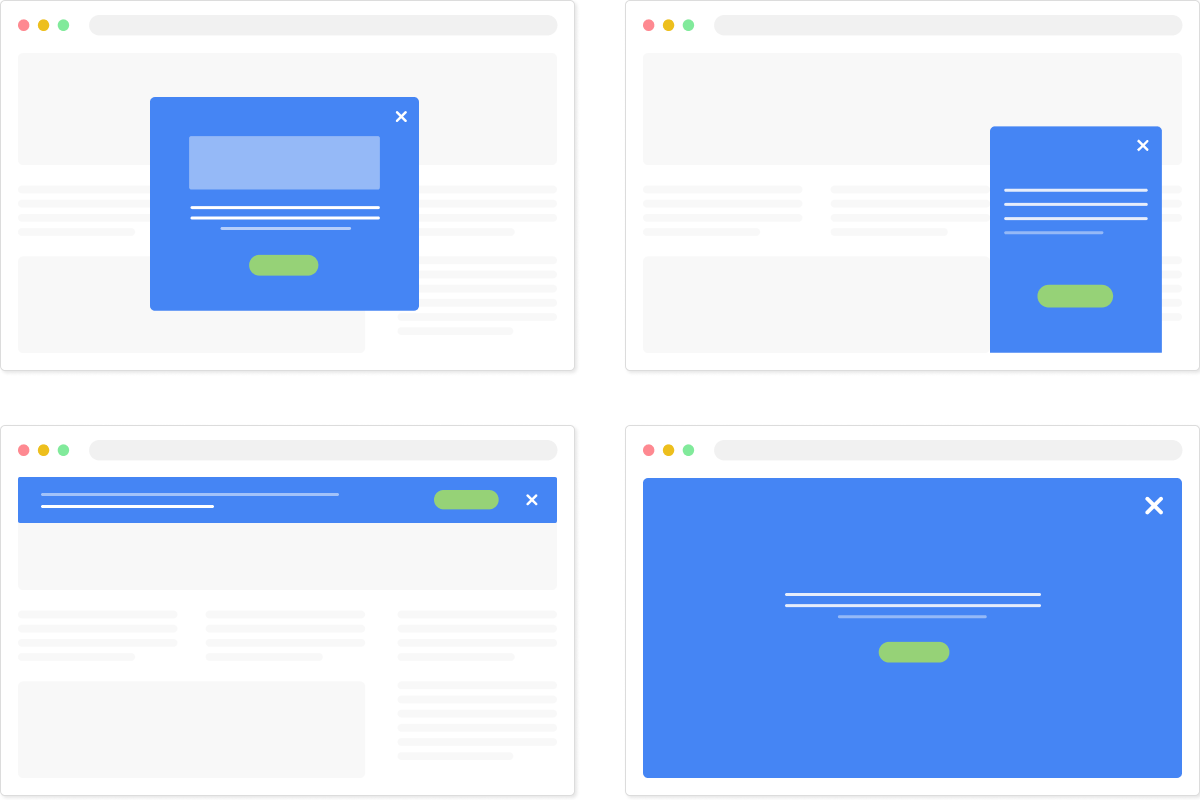
The #1 Joomla Popup Builder Extension
Create smart popups, sticky bars, fullscreen messages and floating buttons. Convert your traffic into customers and subscribers.

Tassos offers a premium suite of Joomla extensions with 7 products and over 2.5 million downloads, providing reliable solutions since 2014.


 Rated:

Copyright © 2014 - 2026 - Smile Motive Development LP. All Rights Reserved.