

Upgrade any of our extensions to Pro to use it, or get all of them with the Bundle.
Unlock this feature
-
- How to Add a User to a Joomla Group Programmatically
- How to Send Emails in Joomla with PHP
- How to Connect to an External Database in Joomla with PHP
- How to Check If the Current User is Super User in Joomla with PHP
- How to Check if the Current Page Is the Homepage in Joomla with PHP
- How to Create a User Account in Joomla with PHP
- How to Create an Article in Joomla with PHP
- PHP Scripts Collection
How site usage works
See how we count the sites your Pro plan is used on, which sites don't count, and what to do when a plan is used on more sites than it covers.
How site usage works is available in Pro
Each Pro plan covers a number of sites. Your My Subscriptions page shows how many sites each plan is used on, and which ones.
How many sites each plan covers
| Plan | Sites |
|---|---|
| Personal | 1 |
| Professional | 5 |
| Agency | Unlimited |
| Lifetime | Unlimited |
| Bundle | Unlimited, for every extension |
Each extension counts on its own. Convert Forms Personal on 1 site and EngageBox Personal on another site is fine.
If you have 2 active plans for the same extension, the bigger one counts.
How we count a site
A site shows up when it downloads a Pro update through Joomla's update manager, using your Download Key.
That means a site you installed by hand appears the first time it updates from Joomla. Until then, it isn't counted.
We count the domain, so these are all the same site:
example.comwww.example.comhttps://example.com/joomla/
A subdomain like shop.example.com is a site of its own.
The Free versions are never counted.
Sites that don't count
Test and local copies take no place in your plan, so you can use them as much as you like:
- Local sites:
localhost, IP addresses, and domains ending in.test,.localor.localhost. - Local tools and tunnels, like DDEV, Lando, ngrok and Cloudflare tunnels.
- Staging copies, where the subdomain has a word like
staging,stage,dev,test,preview,uat,qaorsandboxin it. For examplestaging.example.comordev-shop.example.com.
See where a plan is used
- Log into your account on tassos.gr.
- Go to My Subscriptions.
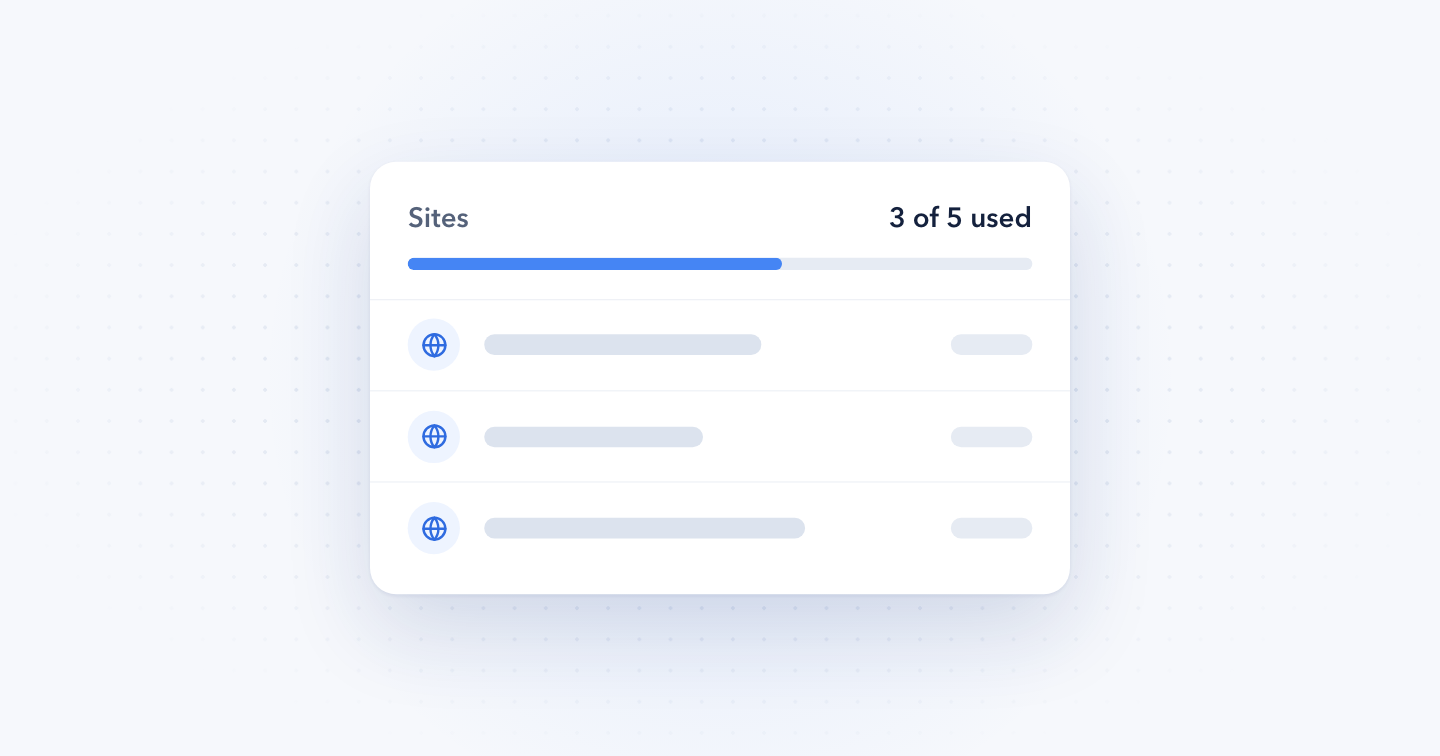
- Find the Sites row on the plan's card. It reads like "3 of 5 used", with a bar under it.
- Click the count to see the list of sites, with the date each one last updated.
Expired plans show their sites too, counted against the plan you had.
When a plan is used on more sites than it covers
The Sites row turns amber with a warning icon, and a notice at the top of My Subscriptions names the extension.
To cover all your sites, upgrade to a higher plan:
- Click the count in the Sites row.
- Click Upgrade plan.
- Pick the plan that covers your sites and check out.
Right now every site still gets updates. Upgrade now so your sites keep getting them once we start applying the limits.
A site is missing or shouldn't be there
A site is missing. It hasn't downloaded an update through Joomla's update manager yet. It shows up after its next update.
A site isn't yours, or you don't use it anymore. Contact us with the domain and we'll remove it.
A staging site is counted. Its name probably doesn't have one of the staging words above. Contact us and we'll take it off your plan.
Last updated on Nov 20th 2026 12:11
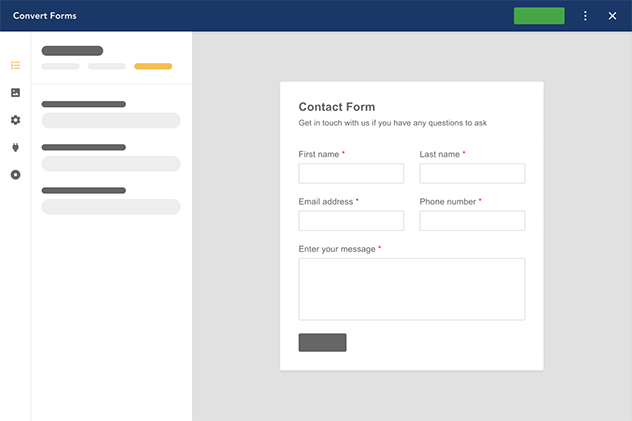
The #1 Joomla Contact Form Builder Extension
Create contact forms, payment forms, registration forms, calculator forms with the most user-friendly Joomla contact form builder extension.

Tassos offers a premium suite of Joomla extensions with 7 products and over 2.5 million downloads, providing reliable solutions since 2014.


 Rated:

Copyright © 2014 - 2026 - Smile Motive Development LP. All Rights Reserved.