

Upgrade any of our extensions to Pro to use it, or get all of them with the Bundle.
Unlock this feature
User Profile
Pre-fill forms or personalize content with the logged-in user's address, city, phone or date of birth from Joomla's User - Profile plugin.
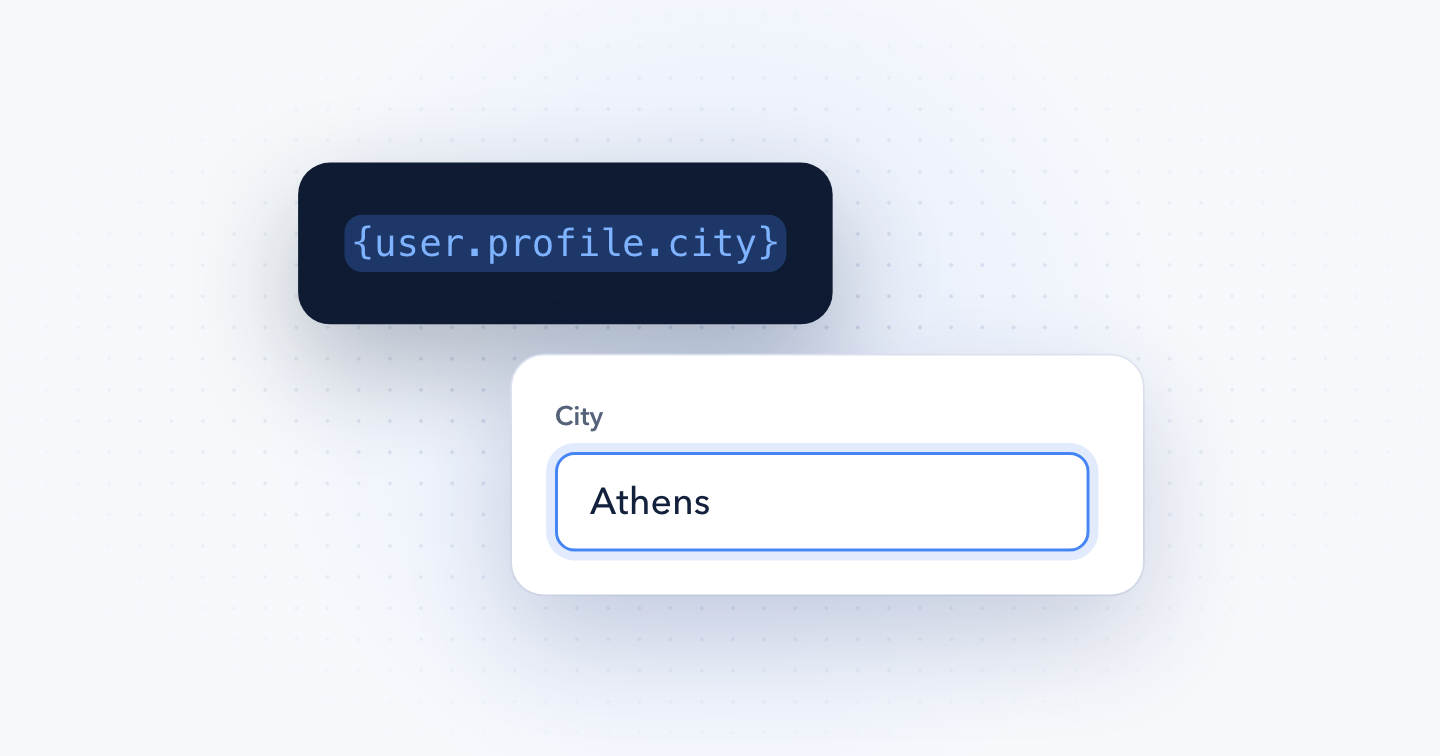
User Profile is available in Pro
Use the {user.profile} Smart Tags to output the profile fields of the currently logged-in user. Joomla's User - Profile plugin adds fields like address, city and postal code to every user account.
{user.profile.KEY}Replace KEY with one of the keys below. For instance, to pre-fill a City field in your form with the user's city:
{user.profile.city}
Joomla ships the User - Profile plugin disabled. To enable it, go to System → Manage → Plugins, search for User - Profile, and publish it.
Available fields
Each Smart Tag below returns one field the User - Profile plugin saves for the user.
| Smart Tag | Returns |
|---|---|
| {user.profile.address1} | Address line 1 |
| {user.profile.address2} | Address line 2 |
| {user.profile.city} | City |
| {user.profile.region} | Region |
| {user.profile.country} | Country |
| {user.profile.postal_code} | Postal or ZIP code |
| {user.profile.phone} | Phone number |
| {user.profile.website} | Website |
| {user.profile.favoritebook} | Favorite book |
| {user.profile.aboutme} | About me |
| {user.profile.dob} | Date of birth |
For account details like the user's name, email or user groups, use the User Account Smart Tags.
Notes
The following rules apply:
- All Smart Tags in this set return an empty string if the user isn't logged in.
- A field the user left empty returns an empty string.
Last updated on Nov 11th 2026 14:11
In This Article
Schema and Structured Data Extension for Joomla
Markup your content with structured data and enhance the appearance of your website with rich results. Boost Joomla SEO in a few clicks.

Tassos offers a premium suite of Joomla extensions with 7 products and over 2.5 million downloads, providing reliable solutions since 2014.


 Rated:

Copyright © 2014 - 2026 - Smile Motive Development LP. All Rights Reserved.