

-
-
- Submit Updated Articles to Bing and Yandex with IndexNow in Joomla
- Add Published and Modified Date Meta Tags to Joomla
- Add Open Graph and Twitter Card Tags to Joomla
- Auto-Generate Meta Descriptions from Article Text in Joomla
- Add Noindex to Specific Pages in Joomla
- Verify Your Joomla Site with Google Search Console
-
- Add a View as Markdown Link to Joomla Articles
- Display the Last Modified Date in Joomla Articles
- Embed Iframes in Joomla
- Automatically Link Twitter (X) @mentions in Joomla Articles
- Open External Links in a New Tab in Joomla
- Display Estimated Reading Time in Joomla Articles
- Replace Old URLs in Joomla
- Search and Replace in Joomla
-
- Add a Footer Line to the Joomla Administrator
- Show a Staging Banner in the Joomla Administrator
- Remove the "All" Option from Admin List Limits in Joomla
- Add a Cookie Consent Banner to Joomla
- Make the Administrator Navigation Sticky in Joomla
- Add Google Fonts to Joomla
- Add a Facebook Messenger Chat Button to Joomla
- Add a Reading Progress Bar to Joomla
- Add a Custom Scrollbar to Joomla
- Show Confetti on a Thank You Page in Joomla
- Add Smooth Scrolling to Joomla
- Add a Back to Top Button in Joomla
- Add a WhatsApp Chat Button in Joomla
-
- Protect the Administrator with a Secret URL Key in Joomla
- Show a Welcome Message on First Login in Joomla
- Log Out Idle Administrators in Joomla
- Assign New Users to a Different User Group Automatically in Joomla
- Redirect Visitors by Country in Joomla
- Redirect Users After Login by User Group in Joomla
- Block User Registration with Certain Usernames in Joomla
- Block User Registration by Country in Joomla
- Block User Registration by Email Address in Joomla
- Block User Registration by IP Address in Joomla
- Remove the Forgot Password and Username Links in Joomla
- Remove the Generator Meta Tag in Joomla
- Let Users Log In with Their Email Address in Joomla
- Block Traffic by Country in Joomla
- Block Bot Traffic in Joomla
- Block Traffic by IP Address in Joomla
Block Bot Traffic in Joomla
Keep aggressive scrapers and AI crawlers off your Joomla site to cut server load and protect your content, using one PHP snippet.
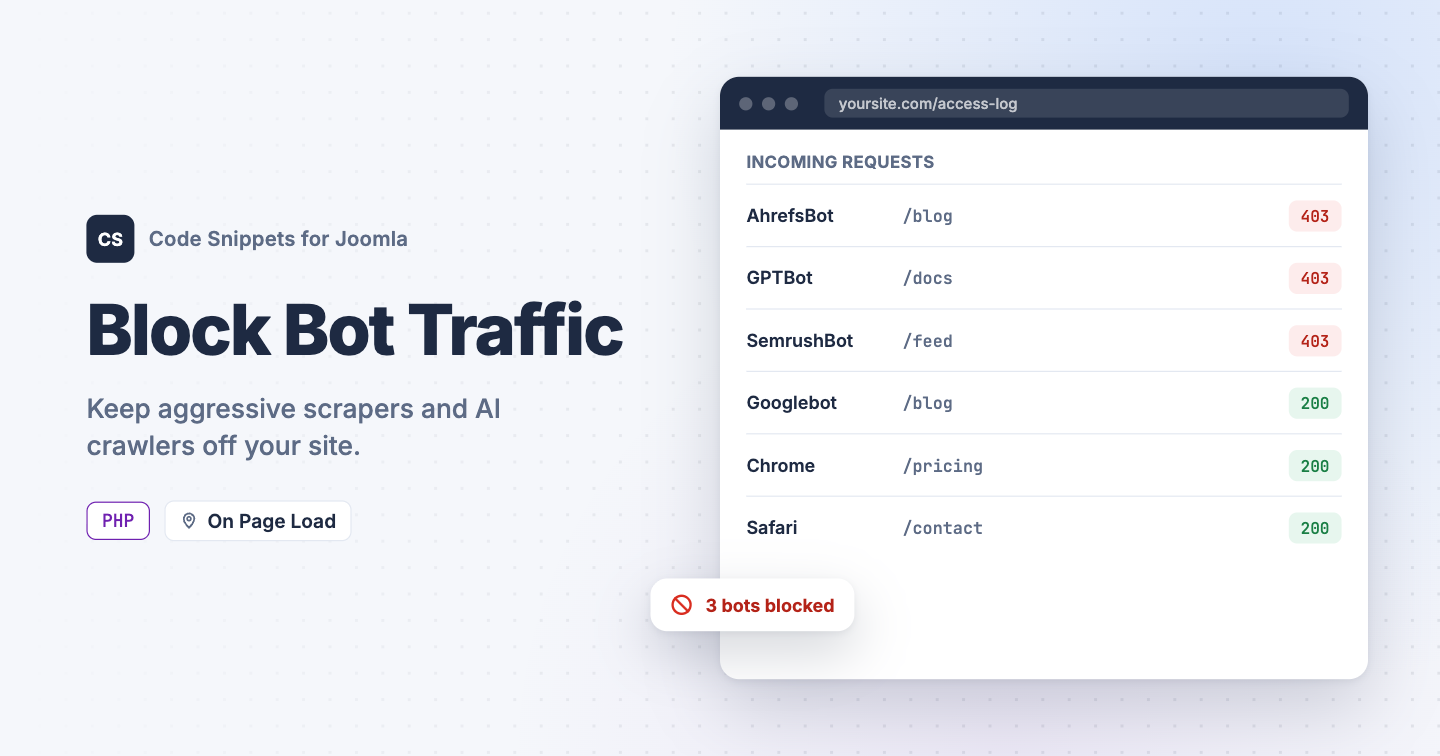
Your analytics show traffic spikes that never convert, your server load climbs at odd hours, and the access log is full of crawlers you've never heard of. Aggressive scrapers and AI training bots ignore robots.txt, so asking politely does nothing. Blocking bad bots in Joomla by their user agent stops them at the door, and you don't have to install a full firewall extension to do it. You can block them with one PHP snippet in Code Snippets.
The PHP snippet code
Set Code Type to PHP, then use this snippet. On every frontend page load it looks at the visitor's user agent string and compares it to a list of fragments you define. Matching is case-insensitive and matches anywhere in the string, so ahrefsbot catches every version of that crawler. Blocked bots receive a 403 Forbidden response before Joomla renders anything, which saves the database queries the page would have cost.
use Joomla\CMS\Factory;

// Any user agent containing one of these fragments will be blocked.
$blockedAgents = [
    'ahrefsbot',
    'semrushbot',
    'mj12bot',
    'dotbot',
    'petalbot',
    'gptbot',
    'ccbot',
];

// Message shown to blocked bots.
$message = 'Access denied.';

// Do not edit below.

$app       = Factory::getApplication();
$userAgent = strtolower((string) $app->getInput()->server->getString('HTTP_USER_AGENT', ''));

if ($userAgent !== '')
{
    foreach ($blockedAgents as $blockedAgent)
    {
        $blockedAgent = strtolower(trim($blockedAgent));

        if ($blockedAgent === '' || strpos($userAgent, $blockedAgent) === false)
        {
            continue;
        }

        $app->setHeader('Status', '403 Forbidden', true);
        $app->sendHeaders();

        echo $message;

        $app->close();
    }
}
The snippet leaves an empty user agent alone on purpose, because some legitimate clients and monitoring tools send none. Add a check for it only if your logs show abuse. Your Joomla administrator isn't affected, because PHP snippets run on the frontend only.
How to add this snippet
- Install Code Snippets if it isn't installed already.
- Log into your Joomla backend.
- Go to Components → Tassos Code Snippets.
- Click New.
- Enter a title, for example Block bad bots.
- Set Code Type to PHP.
- Set Insertion Method to Auto-Insert Locations.
- Set Location to On Page Load.
- Paste the code above into the editor.
- Adjust the list to the crawlers you see in your own logs.
- Click Save & Close.
Check that it works
Chrome can pretend to be one of the blocked crawlers:
- Open your site in Chrome.
- Open DevTools and go to More tools → Network conditions.
- Untick Use browser default next to User agent.
- Enter a blocked user agent, for example
Mozilla/5.0 (compatible; AhrefsBot/7.0). - Reload the page.
You should see "Access denied." instead of your page. Tick Use browser default again and reload, and your page comes back, the same as it does for Googlebot and your regular visitors.
To block a single visitor or a whole range of addresses, see Block Traffic by IP Address in Joomla. To shut out whole countries, see Block Traffic by Country in Joomla. To learn more about how PHP snippets work, read the PHP snippet docs.




 Rated: