

-
-
- Submit Updated Articles to Bing and Yandex with IndexNow in Joomla
- Add Published and Modified Date Meta Tags to Joomla
- Add Open Graph and Twitter Card Tags to Joomla
- Auto-Generate Meta Descriptions from Article Text in Joomla
- Add Noindex to Specific Pages in Joomla
- Verify Your Joomla Site with Google Search Console
-
- Add a View as Markdown Link to Joomla Articles
- Display the Last Modified Date in Joomla Articles
- Embed Iframes in Joomla
- Automatically Link Twitter (X) @mentions in Joomla Articles
- Open External Links in a New Tab in Joomla
- Display Estimated Reading Time in Joomla Articles
- Replace Old URLs in Joomla
- Search and Replace in Joomla
-
- Add a Footer Line to the Joomla Administrator
- Show a Staging Banner in the Joomla Administrator
- Remove the "All" Option from Admin List Limits in Joomla
- Add a Cookie Consent Banner to Joomla
- Make the Administrator Navigation Sticky in Joomla
- Add Google Fonts to Joomla
- Add a Facebook Messenger Chat Button to Joomla
- Add a Reading Progress Bar to Joomla
- Add a Custom Scrollbar to Joomla
- Show Confetti on a Thank You Page in Joomla
- Add Smooth Scrolling to Joomla
- Add a Back to Top Button in Joomla
- Add a WhatsApp Chat Button in Joomla
-
- Protect the Administrator with a Secret URL Key in Joomla
- Show a Welcome Message on First Login in Joomla
- Log Out Idle Administrators in Joomla
- Assign New Users to a Different User Group Automatically in Joomla
- Redirect Visitors by Country in Joomla
- Redirect Users After Login by User Group in Joomla
- Block User Registration with Certain Usernames in Joomla
- Block User Registration by Country in Joomla
- Block User Registration by Email Address in Joomla
- Block User Registration by IP Address in Joomla
- Remove the Forgot Password and Username Links in Joomla
- Remove the Generator Meta Tag in Joomla
- Let Users Log In with Their Email Address in Joomla
- Block Traffic by Country in Joomla
- Block Bot Traffic in Joomla
- Block Traffic by IP Address in Joomla
Search and Replace in Joomla
Fix a typo, update a brand name or swap any text across your whole Joomla site at once, using one PHP snippet.
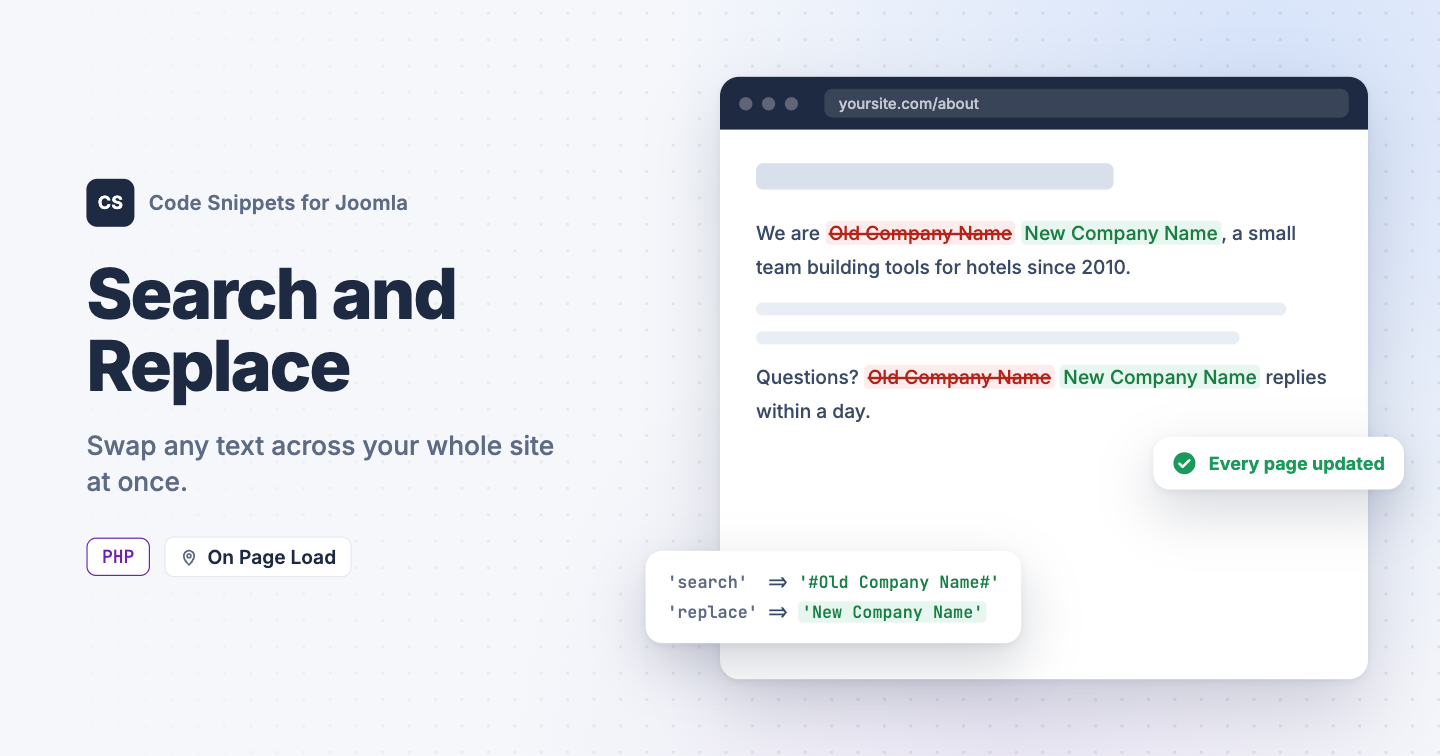
Your company changed its name, a product got renamed, or the same typo sits in 40 articles and 3 modules. Fixing each one by hand takes an afternoon, and some text, like the output of other extensions, has no field you can edit. You can swap text across your whole site at once with one PHP snippet in Code Snippets.
The PHP snippet code
Right before Joomla sends a page to the browser, the snippet applies every rule in $replacements to the finished HTML.
use Joomla\CMS\Factory;

// Edit your search-and-replace rules here.
$replacements = [
    [
        'search'  => '#Old Company Name#',
        'replace' => 'New Company Name',
    ],
    [
        'search'  => '#old-domain\.com#',
        'replace' => 'new-domain.com',
    ],
];

// Do not edit below.
$app = Factory::getApplication();

$app->registerEvent('onAfterRender', function () use ($app, $replacements)
{
    $document = $app->getDocument();

    // Skip non-HTML responses.
    if (!$document || $document->getType() !== 'html')
    {
        return;
    }

    $body = $app->getBody();

    if (!is_string($body) || $body === '')
    {
        return;
    }

    $newBody = $body;

    // Apply each replacement rule.
    foreach ($replacements as $rule)
    {
        if (empty($rule['search']))
        {
            continue;
        }

        $newBody = preg_replace($rule['search'], $rule['replace'] ?? '', $newBody);
    }

    // Update output only when something changed.
    if ($newBody !== $body)
    {
        $app->setBody($newBody);
    }
});
To add a rule, copy one of the blocks and change search and replace. Each search is a regular expression between # marks:
- Plain words work as they are, like
#Old Company Name#. - Put a backslash before dots and other special characters, like
#old-domain\.com#. - Add
iafter the closing mark, like#old company name#i, to ignore upper and lower case.
Your saved articles stay as they are, because the snippet only changes the page Joomla sends. RSS feeds keep the original text.
How to add this snippet
- Install Code Snippets if it isn't installed already.
- Log into your Joomla backend.
- Go to Components → Tassos Code Snippets.
- Click New.
- Enter a title, for example Search and replace.
- Set Code Type to PHP.
- Set Insertion Method to Auto-Insert Locations.
- Set Location to On Page Load.
- Paste the code above into the editor.
- Replace the sample rules with your own.
- Click Save & Close.
Check that it works
- Open a page that contains the old text.
- Look for the new text in its place.
Every page that had the old text should now show the new one, including modules and other extensions' output.
To update links after a move, see Replace Old URLs in Joomla. To learn more about how PHP snippets work, read the PHP snippet docs.


 Rated: