

-
-
- Submit Updated Articles to Bing and Yandex with IndexNow in Joomla
- Add Published and Modified Date Meta Tags to Joomla
- Add Open Graph and Twitter Card Tags to Joomla
- Auto-Generate Meta Descriptions from Article Text in Joomla
- Add Noindex to Specific Pages in Joomla
- Verify Your Joomla Site with Google Search Console
-
- Add a View as Markdown Link to Joomla Articles
- Display the Last Modified Date in Joomla Articles
- Embed Iframes in Joomla
- Automatically Link Twitter (X) @mentions in Joomla Articles
- Open External Links in a New Tab in Joomla
- Display Estimated Reading Time in Joomla Articles
- Replace Old URLs in Joomla
- Search and Replace in Joomla
-
- Add a Footer Line to the Joomla Administrator
- Show a Staging Banner in the Joomla Administrator
- Remove the "All" Option from Admin List Limits in Joomla
- Add a Cookie Consent Banner to Joomla
- Make the Administrator Navigation Sticky in Joomla
- Add Google Fonts to Joomla
- Add a Facebook Messenger Chat Button to Joomla
- Add a Reading Progress Bar to Joomla
- Add a Custom Scrollbar to Joomla
- Show Confetti on a Thank You Page in Joomla
- Add Smooth Scrolling to Joomla
- Add a Back to Top Button in Joomla
- Add a WhatsApp Chat Button in Joomla
-
- Protect the Administrator with a Secret URL Key in Joomla
- Show a Welcome Message on First Login in Joomla
- Log Out Idle Administrators in Joomla
- Assign New Users to a Different User Group Automatically in Joomla
- Redirect Visitors by Country in Joomla
- Redirect Users After Login by User Group in Joomla
- Block User Registration with Certain Usernames in Joomla
- Block User Registration by Country in Joomla
- Block User Registration by Email Address in Joomla
- Block User Registration by IP Address in Joomla
- Remove the Forgot Password and Username Links in Joomla
- Remove the Generator Meta Tag in Joomla
- Let Users Log In with Their Email Address in Joomla
- Block Traffic by Country in Joomla
- Block Bot Traffic in Joomla
- Block Traffic by IP Address in Joomla
Add Smooth Scrolling to Joomla
Make every mouse wheel and trackpad scroll on your Joomla site glide smoothly for a more polished feel, using one HTML snippet.
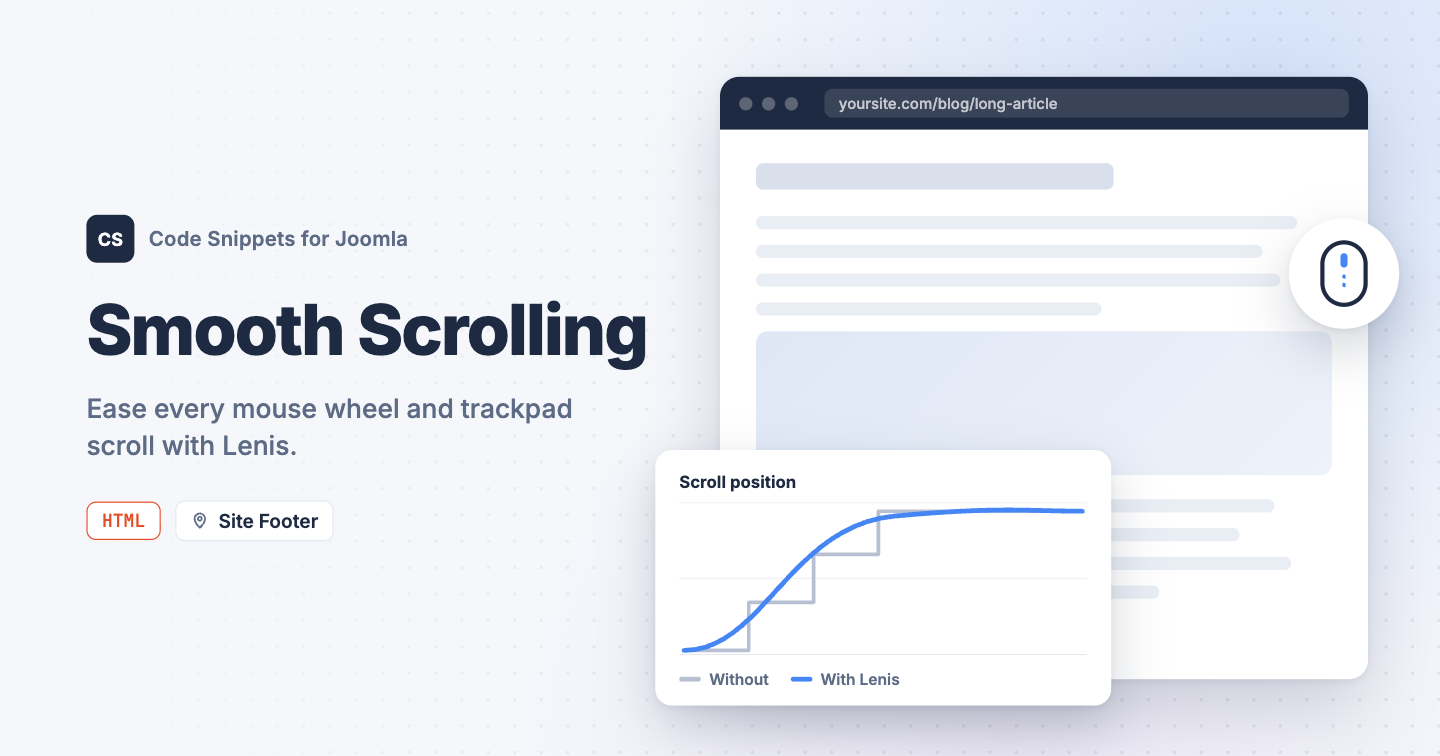
Many Joomla templates, including Cassiopeia, smooth out jumps to anchor links with the CSS scroll-behavior property. That property only affects links and scripts, so the mouse wheel still moves the page in hard steps. The Lenis library eases every wheel and trackpad scroll, so long pages glide to a stop. You can add it to your Joomla site with one HTML snippet in Code Snippets.
The snippet code
This HTML snippet loads Lenis from the jsDelivr CDN and starts it with settings that suit most Joomla sites. It smooths the mouse wheel, the trackpad, and clicks on anchor links, and it leaves scrollable menus and modals alone.
<link rel="stylesheet" href="https://cdn.jsdelivr.net/npm/lenis@1.3.26/dist/lenis.css">
<script src="https://cdn.jsdelivr.net/npm/lenis@1.3.26/dist/lenis.min.js"></script>
<script>
  window.lenis = new Lenis({
    // Smoothness: lower is smoother and slower. Try values between 0.05 and 0.2.
    lerp: 0.1,
    // Smooth scroll to #anchor links too.
    anchors: true,
    // Let menus, modals and other scrollable boxes scroll normally.
    allowNestedScroll: true,
    // Pause smooth scrolling while a modal or menu locks the page.
    autoToggle: true,
    // Stop any leftover scroll movement when a link is clicked.
    stopInertiaOnNavigate: true,
    // Run the animation loop automatically.
    autoRaf: true
  });
</script>
To change how it feels, adjust lerp. A lower value like 0.05 glides for longer, and a higher value like 0.2 feels snappier.
Lenis respects your visitors' accessibility settings. When someone has turned on reduced motion in their operating system, scrolling stays instant. On phones and tablets, touch scrolling keeps working the way the device normally does it.
How to add this snippet
- Install Code Snippets if it isn't installed already.
- Log into your Joomla backend.
- Go to Components → Tassos Code Snippets.
- Click New.
- Enter a title, for example Smooth scrolling.
- Set Code Type to HTML.
- Set Insertion Method to Auto-Insert Locations.
- Set Location to Site Footer.
- Paste the code above into the editor.
- Click Save & Close.
Loading the snippet in the footer lets your page appear first, then smooth scrolling switches on a moment later.
Check that it works
- Open a long page on your site.
- Scroll with your mouse wheel.
The page should keep gliding for a moment and ease to a stop after each turn of the wheel.
If something stops scrolling
A few elements need native scrolling, like a scrollable dropdown or a chat window. The snippet already lets most of them scroll normally. If one still gets stuck, add the data-lenis-prevent attribute to it:
<div class="chat-messages" data-lenis-prevent>
  ...
</div>
Over an embedded video or map, the wheel may scroll the page without smoothing. Those embeds don't pass wheel events on to the page, so Lenis can't smooth them.
To learn more about HTML snippets, read the HTML snippet docs.




 Rated: