

-
-
- Submit Updated Articles to Bing and Yandex with IndexNow in Joomla
- Add Published and Modified Date Meta Tags to Joomla
- Add Open Graph and Twitter Card Tags to Joomla
- Auto-Generate Meta Descriptions from Article Text in Joomla
- Add Noindex to Specific Pages in Joomla
- Verify Your Joomla Site with Google Search Console
-
- Add a View as Markdown Link to Joomla Articles
- Display the Last Modified Date in Joomla Articles
- Embed Iframes in Joomla
- Automatically Link Twitter (X) @mentions in Joomla Articles
- Open External Links in a New Tab in Joomla
- Display Estimated Reading Time in Joomla Articles
- Replace Old URLs in Joomla
- Search and Replace in Joomla
-
- Add a Footer Line to the Joomla Administrator
- Show a Staging Banner in the Joomla Administrator
- Remove the "All" Option from Admin List Limits in Joomla
- Add a Cookie Consent Banner to Joomla
- Make the Administrator Navigation Sticky in Joomla
- Add Google Fonts to Joomla
- Add a Facebook Messenger Chat Button to Joomla
- Add a Reading Progress Bar to Joomla
- Add a Custom Scrollbar to Joomla
- Show Confetti on a Thank You Page in Joomla
- Add Smooth Scrolling to Joomla
- Add a Back to Top Button in Joomla
- Add a WhatsApp Chat Button in Joomla
-
- Protect the Administrator with a Secret URL Key in Joomla
- Show a Welcome Message on First Login in Joomla
- Log Out Idle Administrators in Joomla
- Assign New Users to a Different User Group Automatically in Joomla
- Redirect Visitors by Country in Joomla
- Redirect Users After Login by User Group in Joomla
- Block User Registration with Certain Usernames in Joomla
- Block User Registration by Country in Joomla
- Block User Registration by Email Address in Joomla
- Block User Registration by IP Address in Joomla
- Remove the Forgot Password and Username Links in Joomla
- Remove the Generator Meta Tag in Joomla
- Let Users Log In with Their Email Address in Joomla
- Block Traffic by Country in Joomla
- Block Bot Traffic in Joomla
- Block Traffic by IP Address in Joomla
Automatically Link Twitter (X) @mentions in Joomla Articles
Turn every @mention in your Joomla articles into a link to that X profile, so readers can follow the people you write about, using one PHP snippet.
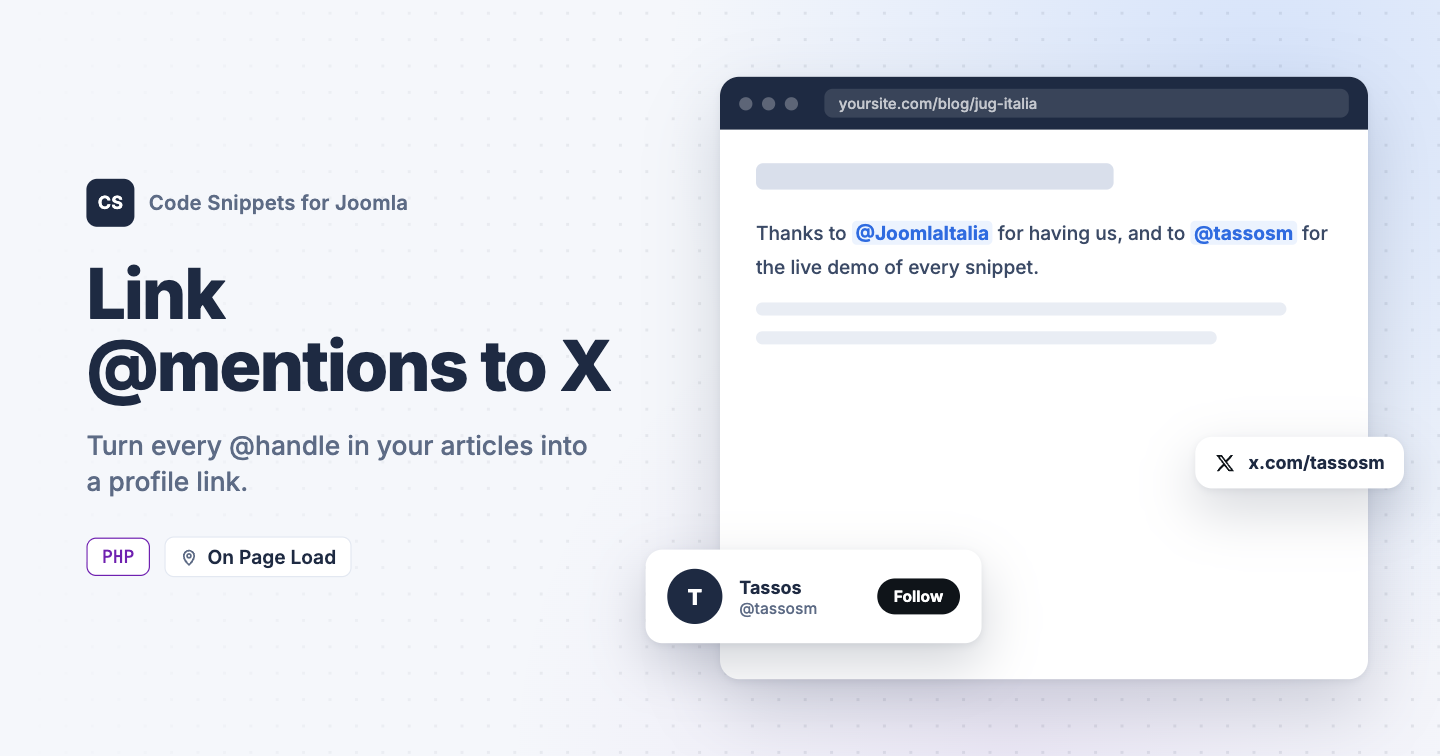
When you mention someone like @tassosm in an article, readers who want to follow them have to copy the handle and search for it on X. Adding every link by hand is tedious and easy to forget. This PHP snippet turns each @mention in your articles into a link to that X (formerly Twitter) profile, automatically.
The PHP snippet code
Set Code Type to PHP, then use this snippet. It runs while Joomla prepares each article and links every @handle in the visible text to https://x.com/handle. The links open in a new tab, and it also works on the article intros on your home page.
use Joomla\CMS\Factory;

// Where @mentions link to. Use 'https://twitter.com/' for the old domain.
$profileUrl = 'https://x.com/';

// Do not edit below.

$app = Factory::getApplication();

$linkMentions = function ($event) use ($profileUrl)
{
    // Joomla 5 and later pass the item through getItem(), Joomla 4 as an argument.
    $item = method_exists($event, 'getItem')
        ? $event->getItem()
        : $event->getArgument(1);

    if (!is_object($item)
        || empty($item->text)
        || strpos($item->text, '@') === false)
    {
        return;
    }

    // @handle: up to 15 letters, digits or underscores,
    // and not part of an email address, URL or domain.
    $pattern = '#(?<![A-Za-z0-9_@/.:])@([A-Za-z0-9_]{1,15})'
        . '(?![A-Za-z0-9_@]|\.[A-Za-z0-9_])#';

    $toLink = function ($match) use ($profileUrl)
    {
        $url  = $profileUrl . $match[1];
        $attr = 'target="_blank" rel="noopener"';

        return '<a href="' . $url . '" ' . $attr . '>@' . $match[1] . '</a>';
    };

    // Split the HTML into tags and text, so only visible text gets links.
    $parts = preg_split('#(<[^>]*>)#', $item->text, -1, PREG_SPLIT_DELIM_CAPTURE);
    $skip  = 0;

    foreach ($parts as $i => $part)
    {
        if ($part === '')
        {
            continue;
        }

        // Leave text inside links, code blocks, scripts and form fields alone.
        if ($part[0] === '<')
        {
            $tags = 'a|code|pre|script|style|textarea';

            if (preg_match('#^<(/?)(' . $tags . ')\b#i', $part, $tag))
            {
                $skip = max(0, $skip + ($tag[1] === '/' ? -1 : 1));
            }

            continue;
        }

        if ($skip > 0)
        {
            continue;
        }

        $parts[$i] = preg_replace_callback($pattern, $toLink, $part);
    }

    $item->text = implode('', $parts);
};

$app->registerEvent('onContentPrepare', $linkMentions);
The snippet only changes plain text. It leaves these alone:
- Email addresses.
- Existing links, so a mention you already linked by hand stays as it is.
- Code blocks.
- Image alt text and other HTML attributes.
- URLs and domain names, like a Mastodon profile link.
- Handles longer than 15 characters, which X doesn't allow.
The links are added while the page is built, so your saved articles stay exactly as you wrote them. Unpublish the snippet and the mentions go back to plain text.
To link to twitter.com instead, change $profileUrl to 'https://twitter.com/'.
How to add this snippet
- Install Code Snippets if it isn't installed already.
- Log into your Joomla backend.
- Go to Components → Tassos Code Snippets.
- Click New.
- Enter a title, for example Twitter mention links.
- Set Code Type to PHP.
- Set Insertion Method to Auto-Insert Locations.
- Set Location to On Page Load.
- Paste the code above into the editor.
- Click Save & Close.
Check that it works
- Open an article that mentions someone with an @handle.
- Hover over the mention.
It should now be a link to that person's X profile.
For other automatic text changes, see Search and Replace in Joomla. To learn more about how PHP snippets work, read the PHP snippet docs.




 Rated: