

-
-
- Submit Updated Articles to Bing and Yandex with IndexNow in Joomla
- Add Published and Modified Date Meta Tags to Joomla
- Add Open Graph and Twitter Card Tags to Joomla
- Auto-Generate Meta Descriptions from Article Text in Joomla
- Add Noindex to Specific Pages in Joomla
- Verify Your Joomla Site with Google Search Console
-
- Add a View as Markdown Link to Joomla Articles
- Display the Last Modified Date in Joomla Articles
- Embed Iframes in Joomla
- Automatically Link Twitter (X) @mentions in Joomla Articles
- Open External Links in a New Tab in Joomla
- Display Estimated Reading Time in Joomla Articles
- Replace Old URLs in Joomla
- Search and Replace in Joomla
-
- Add a Footer Line to the Joomla Administrator
- Show a Staging Banner in the Joomla Administrator
- Remove the "All" Option from Admin List Limits in Joomla
- Add a Cookie Consent Banner to Joomla
- Make the Administrator Navigation Sticky in Joomla
- Add Google Fonts to Joomla
- Add a Facebook Messenger Chat Button to Joomla
- Add a Reading Progress Bar to Joomla
- Add a Custom Scrollbar to Joomla
- Show Confetti on a Thank You Page in Joomla
- Add Smooth Scrolling to Joomla
- Add a Back to Top Button in Joomla
- Add a WhatsApp Chat Button in Joomla
-
- Protect the Administrator with a Secret URL Key in Joomla
- Show a Welcome Message on First Login in Joomla
- Log Out Idle Administrators in Joomla
- Assign New Users to a Different User Group Automatically in Joomla
- Redirect Visitors by Country in Joomla
- Redirect Users After Login by User Group in Joomla
- Block User Registration with Certain Usernames in Joomla
- Block User Registration by Country in Joomla
- Block User Registration by Email Address in Joomla
- Block User Registration by IP Address in Joomla
- Remove the Forgot Password and Username Links in Joomla
- Remove the Generator Meta Tag in Joomla
- Let Users Log In with Their Email Address in Joomla
- Block Traffic by Country in Joomla
- Block Bot Traffic in Joomla
- Block Traffic by IP Address in Joomla
Add Noindex to Specific Pages in Joomla
Keep thank you pages, search results and other thin pages out of Google so your best Joomla pages rank, using one PHP snippet.
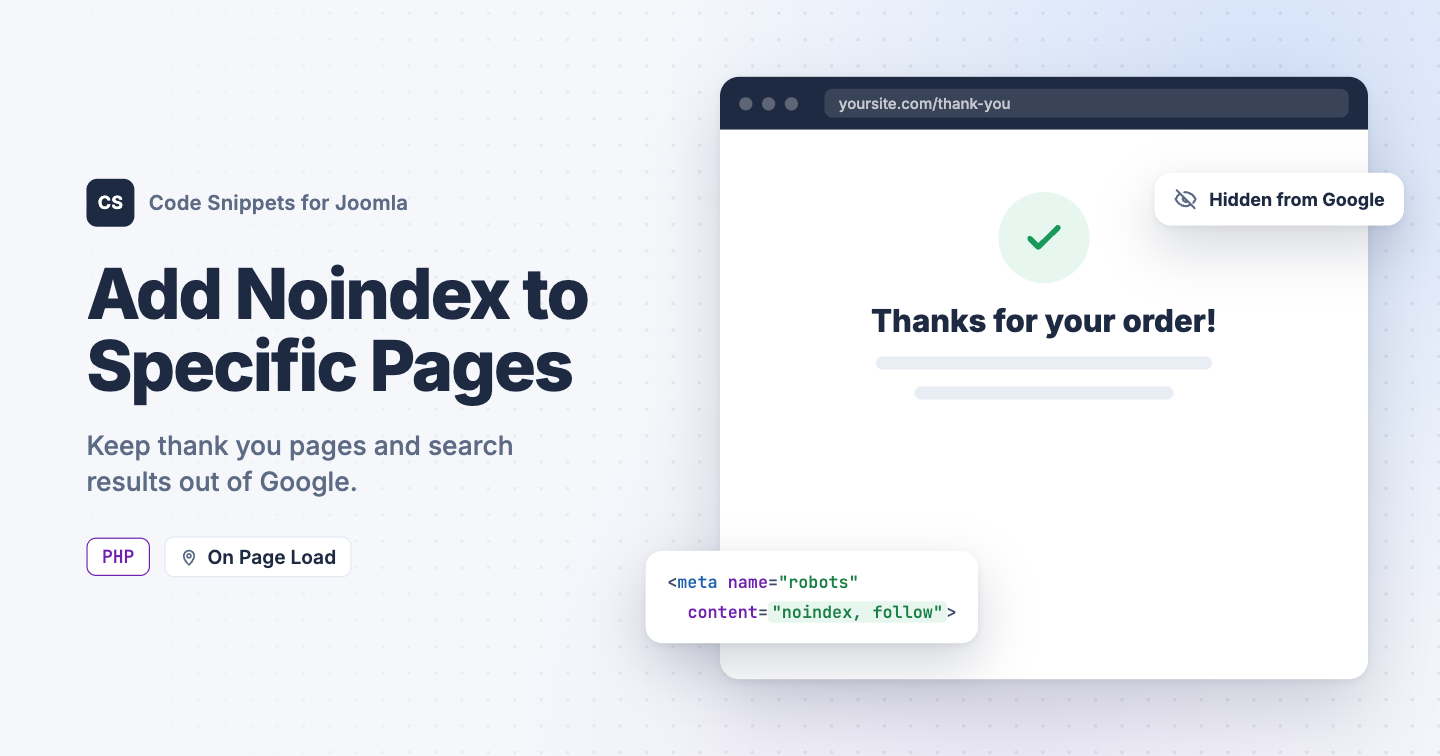
Thank you pages, Smart Search results and print views end up in Google's index and compete with the pages you want to rank. Joomla lets you set robots metadata per menu item, but plenty of pages have no menu item, so there's nowhere to set it. You can add noindex to any page with one PHP snippet in Code Snippets, and pick the pages with Conditional Logic.
The PHP snippet code
The snippet adds a robots meta tag to the page's head. Conditional Logic decides which pages it runs on, so you never edit the code to add or remove a page.
use Joomla\CMS\Document\HtmlDocument;
use Joomla\CMS\Factory;

// The value of the robots meta tag.
$robots = 'noindex, follow';

// Do not edit below.

$app = Factory::getApplication();

// Set the tag right before Joomla builds the page's <head>.
$app->registerEvent('onBeforeCompileHead', function () use ($app, $robots)
{
    $document = $app->getDocument();

    if ($document instanceof HtmlDocument)
    {
        $document->setMetaData('robots', $robots);
    }
});
Keep noindex, follow when you want Google to skip the page but still follow its links. Use noindex, nofollow only when you also want those links ignored.
How to add this snippet
- Install Code Snippets if it isn't installed already.
- Log into your Joomla backend.
- Go to Components → Tassos Code Snippets.
- Click New.
- Enter a title, for example Noindex pages.
- Set Code Type to PHP.
- Set Insertion Method to Auto-Insert Locations.
- Set Location to On Page Load.
- Paste the code above into the editor.
-
Open the Conditional Logic tab:
- Set Display on to Selected Pages.
- Click New Condition Set.
- Click Select Condition and choose Content Article.
- In Article, pick the articles to hide, for example your thank you page.
- Click Save & Close.
Pick pages in the free version
Content Article is a Code Snippets Pro condition. In the free version, choose one of these conditions instead:
- URL - Query String: enter part of the page's address in URL, like
thank-you. Use/component/finderfor Smart Search results andtmpl=componentfor print views. Click + to add more addresses. - Menu: tick the menu items to hide. Pages opened from a ticked menu item get noindex too, like the articles of a category blog.
Learn more in Conditional Logic.
Check that it works
- Open one of the pages you picked and view the page source.
- Look for this line in the
<head>:
<meta name="robots" content="noindex, follow">Pages you didn't pick don't get the tag. To see a page the way Google does, run its address through URL Inspection in Google Search Console. The page drops out of search results after Google crawls it again.
To give every article its own meta description, see Auto-Generate Meta Descriptions from Article Text in Joomla. To learn more about how PHP snippets work, read the PHP snippet docs.




 Rated: