

-
-
- Submit Updated Articles to Bing and Yandex with IndexNow in Joomla
- Add Published and Modified Date Meta Tags to Joomla
- Add Open Graph and Twitter Card Tags to Joomla
- Auto-Generate Meta Descriptions from Article Text in Joomla
- Add Noindex to Specific Pages in Joomla
- Verify Your Joomla Site with Google Search Console
-
- Add a View as Markdown Link to Joomla Articles
- Display the Last Modified Date in Joomla Articles
- Embed Iframes in Joomla
- Automatically Link Twitter (X) @mentions in Joomla Articles
- Open External Links in a New Tab in Joomla
- Display Estimated Reading Time in Joomla Articles
- Replace Old URLs in Joomla
- Search and Replace in Joomla
-
- Add a Footer Line to the Joomla Administrator
- Show a Staging Banner in the Joomla Administrator
- Remove the "All" Option from Admin List Limits in Joomla
- Add a Cookie Consent Banner to Joomla
- Make the Administrator Navigation Sticky in Joomla
- Add Google Fonts to Joomla
- Add a Facebook Messenger Chat Button to Joomla
- Add a Reading Progress Bar to Joomla
- Add a Custom Scrollbar to Joomla
- Show Confetti on a Thank You Page in Joomla
- Add Smooth Scrolling to Joomla
- Add a Back to Top Button in Joomla
- Add a WhatsApp Chat Button in Joomla
-
- Protect the Administrator with a Secret URL Key in Joomla
- Show a Welcome Message on First Login in Joomla
- Log Out Idle Administrators in Joomla
- Assign New Users to a Different User Group Automatically in Joomla
- Redirect Visitors by Country in Joomla
- Redirect Users After Login by User Group in Joomla
- Block User Registration with Certain Usernames in Joomla
- Block User Registration by Country in Joomla
- Block User Registration by Email Address in Joomla
- Block User Registration by IP Address in Joomla
- Remove the Forgot Password and Username Links in Joomla
- Remove the Generator Meta Tag in Joomla
- Let Users Log In with Their Email Address in Joomla
- Block Traffic by Country in Joomla
- Block Bot Traffic in Joomla
- Block Traffic by IP Address in Joomla
Show Confetti on a Thank You Page in Joomla
Celebrate every order and sign-up with a burst of confetti on your Joomla thank you page, using one HTML snippet.
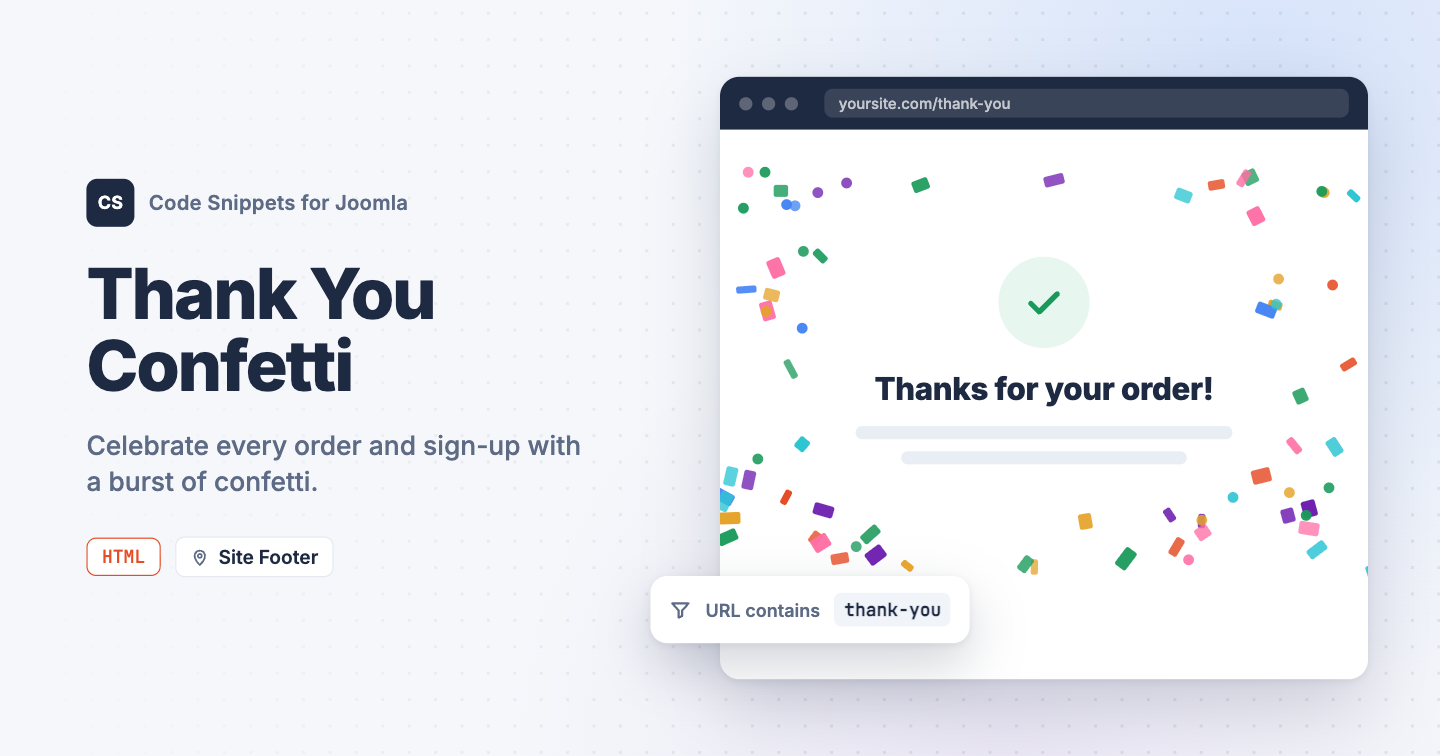
Your thank you page appears right after a visitor buys, books, or signs up. A short burst of confetti there turns that moment into a small celebration. You can add one with the canvas-confetti library and a single HTML snippet in Code Snippets, then use Conditional Logic so it only fires on your thank you page.
The snippet code
This HTML snippet loads canvas-confetti from the jsDelivr CDN, about 10 KB, and fires one burst as soon as the page finishes loading.
<script src="https://cdn.jsdelivr.net/npm/canvas-confetti@1.9.4/dist/confetti.browser.min.js"></script>
<script>
  window.addEventListener('load', function () {
    confetti({
      // How many pieces of confetti to throw.
      particleCount: 150,
      // How wide the burst is, in degrees.
      spread: 90,
      // Where the burst starts: 0 is the top of the screen and 1 is the bottom.
      origin: { y: 0.6 },
      // Skip the animation for visitors who turned on reduced motion.
      disableForReducedMotion: true
    });
  });
</script>
To use your brand colors, add a colors option with your own hex codes inside confetti({ ... }):
colors: ['#4f46e5', '#22c55e', '#f59e0b'],Visitors who turned on reduced motion in their operating system won't see the animation.
How to add this snippet
- Install Code Snippets if it isn't installed already.
- Log into your Joomla backend.
- Go to Components → Tassos Code Snippets.
- Click New.
- Enter a title, for example Thank you confetti.
- Set Code Type to HTML.
- Set Insertion Method to Auto-Insert Locations.
- Set Location to Site Footer.
- Paste the code above into the editor.
Show it only on your thank you page
Without a condition, the confetti would fire on every page of your site. Limit it to your thank you page:
- Open the Conditional Logic tab.
- Set Display on to Selected Pages.
- Click New Condition Set.
- Click Select Condition and choose URL - Query String.
- In URL, enter a part of your thank you page's address, for example
thank-you. - Click Save & Close.
If your thank you page has its own menu item, you can choose the Menu condition instead. Learn more in Run a snippet on specific pages.
Check that it works
- Open your thank you page.
- Watch for the confetti burst once the page loads.
- Open any other page and make sure no confetti appears there.
That's it. Every order or sign-up now ends with a small celebration, and you didn't need another extension for it.
To learn more about HTML snippets, read the HTML snippet docs.




 Rated: