

-
-
- Submit Updated Articles to Bing and Yandex with IndexNow in Joomla
- Add Published and Modified Date Meta Tags to Joomla
- Add Open Graph and Twitter Card Tags to Joomla
- Auto-Generate Meta Descriptions from Article Text in Joomla
- Add Noindex to Specific Pages in Joomla
- Verify Your Joomla Site with Google Search Console
-
- Add a View as Markdown Link to Joomla Articles
- Display the Last Modified Date in Joomla Articles
- Embed Iframes in Joomla
- Automatically Link Twitter (X) @mentions in Joomla Articles
- Open External Links in a New Tab in Joomla
- Display Estimated Reading Time in Joomla Articles
- Replace Old URLs in Joomla
- Search and Replace in Joomla
-
- Add a Footer Line to the Joomla Administrator
- Show a Staging Banner in the Joomla Administrator
- Remove the "All" Option from Admin List Limits in Joomla
- Add a Cookie Consent Banner to Joomla
- Make the Administrator Navigation Sticky in Joomla
- Add Google Fonts to Joomla
- Add a Facebook Messenger Chat Button to Joomla
- Add a Reading Progress Bar to Joomla
- Add a Custom Scrollbar to Joomla
- Show Confetti on a Thank You Page in Joomla
- Add Smooth Scrolling to Joomla
- Add a Back to Top Button in Joomla
- Add a WhatsApp Chat Button in Joomla
-
- Protect the Administrator with a Secret URL Key in Joomla
- Show a Welcome Message on First Login in Joomla
- Log Out Idle Administrators in Joomla
- Assign New Users to a Different User Group Automatically in Joomla
- Redirect Visitors by Country in Joomla
- Redirect Users After Login by User Group in Joomla
- Block User Registration with Certain Usernames in Joomla
- Block User Registration by Country in Joomla
- Block User Registration by Email Address in Joomla
- Block User Registration by IP Address in Joomla
- Remove the Forgot Password and Username Links in Joomla
- Remove the Generator Meta Tag in Joomla
- Let Users Log In with Their Email Address in Joomla
- Block Traffic by Country in Joomla
- Block Bot Traffic in Joomla
- Block Traffic by IP Address in Joomla
Block Traffic by Country in Joomla
Keep spam, fake sign-ups and unwanted traffic off your Joomla site by blocking visitors from the countries you choose, using one PHP snippet.
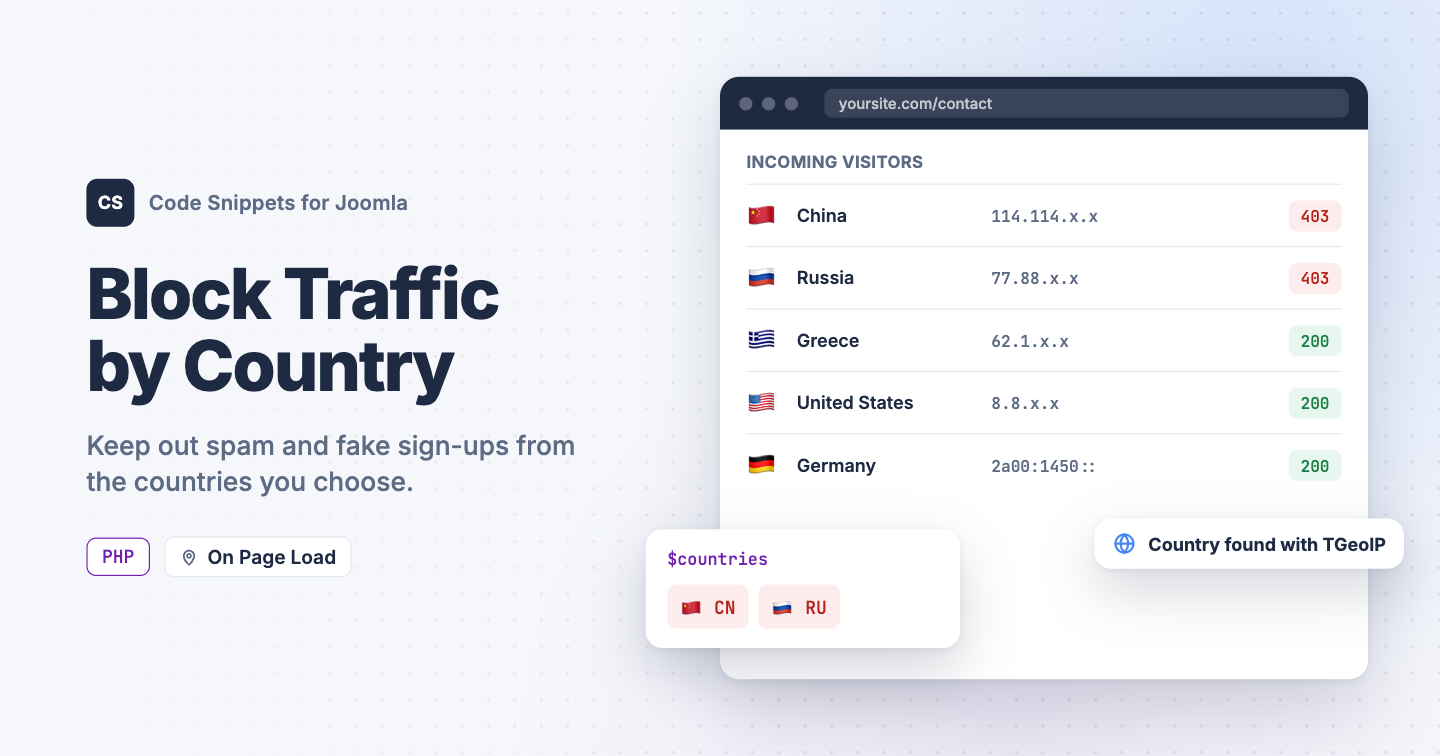
Your contact form fills up with spam from 2 countries you've never sold to, or fake sign-ups arrive from the same region every night. The senders switch IP addresses every day, so a list of blocked addresses never stops growing. Blocking the whole country covers all of them at once. You can block visitors by country in Joomla with one PHP snippet in Code Snippets.
The snippet finds each visitor's country with TGeoIP, the free geolocation plugin that installs together with Code Snippets. The lookup runs on your own server from a local database, so visitor addresses never go to an outside service.
Before you start
TGeoIP needs the free MaxMind GeoLite2 database to tell where an address comes from. If you haven't set it up yet, enable geolocation first: add a free MaxMind license key to the System - Tassos GeoIP plugin and click Update Database.
The PHP snippet code
The snippet looks up the visitor's country on every frontend page load, before Joomla builds the page. Visitors from a blocked country get a 403 Forbidden response and a short message instead of your site.
use Joomla\CMS\Factory;
use Tassos\Framework\Helpers\Geo;

// Two-letter country codes, for example 'CN' for China or 'GR' for Greece.
$countries = [
    'CN',
    'RU',
];

// 'block' keeps out visitors from the countries above.
// 'allow' lets in only visitors from the countries above.
$mode = 'block';

// Message shown to blocked visitors.
$message = 'Access denied.';

// Do not edit below.

// No Tassos framework means no country lookup, so let everyone in.
if (!class_exists(Geo::class))
{
    return;
}

$country = (string) Geo::getVisitorCountryCode();

// The country is unknown, for example a local address or a missing GeoIP database.
// Let the visitor in rather than risk locking everyone out.
if ($country === '')
{
    return;
}

$countries = array_map('strtoupper', array_map('trim', $countries));
$listed    = in_array($country, $countries, true);
$blocked   = $mode === 'allow' ? !$listed : $listed;

if (!$blocked)
{
    return;
}

$app = Factory::getApplication();

$app->setHeader('Status', '403 Forbidden', true);
$app->sendHeaders();

echo $message;

$app->close();
Change the 3 settings at the top:
$countries: 2-letter country codes, for exampleCNfor China,RUfor Russia orGRfor Greece. You'll find every code in the ISO 3166-1 alpha-2 list. Lowercase works too.$mode: keep'block'to keep out the countries on your list. Set it to'allow'to let in only those countries and block everyone else.$message: the text blocked visitors see.
When the snippet can't tell where a visitor comes from, for example because the GeoIP database is missing, it lets them in. A broken lookup never locks out your real visitors.
How to add this snippet
- Install Code Snippets if it isn't installed already.
- Log into your Joomla backend.
- Go to Components → Tassos Code Snippets.
- Click New.
- Enter a title, for example Block countries.
- Set Code Type to PHP.
- Set Insertion Method to Auto-Insert Locations.
- Set Location to On Page Load.
- Paste the code above into the editor.
- Replace the sample country codes with the ones you want to block.
- Click Save & Close.
PHP snippets run on the frontend of your site, so the block covers your pages and RSS feeds. Your Joomla administrator isn't affected.
Check that it works
- Add your own country code to
$countriesand save the snippet. - Open your site's home page in a private browser window.
You should see "Access denied." instead of your page. Remove your country from the list and save again, and your site comes back. Your administrator keeps working the whole time, so you can always log in there and fix the list.
If visitors from a blocked country still get in
- Your site sits behind Cloudflare or another proxy. Joomla may then see the proxy's address instead of the visitor's, so the snippet checks the wrong country. Go to System → Global Configuration, open the Server tab, set Behind Load Balancer to Yes, and click Save & Close. Leave it off when there's no proxy, because it lets visitors fake their address.
- The GeoIP database is missing. The snippet then lets everyone in. Open the System - Tassos GeoIP plugin and click Update Database.
- The visitor uses a VPN. The snippet sees the VPN's address, so the visitor appears to come from the VPN's country.
To block single addresses instead of whole countries, see Block Traffic by IP Address in Joomla. To stop crawlers by name, see Block Bot Traffic in Joomla. To learn more about how PHP snippets work, read the PHP snippet docs.




 Rated: