

-
-
- Submit Updated Articles to Bing and Yandex with IndexNow in Joomla
- Add Published and Modified Date Meta Tags to Joomla
- Add Open Graph and Twitter Card Tags to Joomla
- Auto-Generate Meta Descriptions from Article Text in Joomla
- Add Noindex to Specific Pages in Joomla
- Verify Your Joomla Site with Google Search Console
-
- Add a View as Markdown Link to Joomla Articles
- Display the Last Modified Date in Joomla Articles
- Embed Iframes in Joomla
- Automatically Link Twitter (X) @mentions in Joomla Articles
- Open External Links in a New Tab in Joomla
- Display Estimated Reading Time in Joomla Articles
- Replace Old URLs in Joomla
- Search and Replace in Joomla
-
- Add a Footer Line to the Joomla Administrator
- Show a Staging Banner in the Joomla Administrator
- Remove the "All" Option from Admin List Limits in Joomla
- Add a Cookie Consent Banner to Joomla
- Make the Administrator Navigation Sticky in Joomla
- Add Google Fonts to Joomla
- Add a Facebook Messenger Chat Button to Joomla
- Add a Reading Progress Bar to Joomla
- Add a Custom Scrollbar to Joomla
- Show Confetti on a Thank You Page in Joomla
- Add Smooth Scrolling to Joomla
- Add a Back to Top Button in Joomla
- Add a WhatsApp Chat Button in Joomla
-
- Protect the Administrator with a Secret URL Key in Joomla
- Show a Welcome Message on First Login in Joomla
- Log Out Idle Administrators in Joomla
- Assign New Users to a Different User Group Automatically in Joomla
- Redirect Visitors by Country in Joomla
- Redirect Users After Login by User Group in Joomla
- Block User Registration with Certain Usernames in Joomla
- Block User Registration by Country in Joomla
- Block User Registration by Email Address in Joomla
- Block User Registration by IP Address in Joomla
- Remove the Forgot Password and Username Links in Joomla
- Remove the Generator Meta Tag in Joomla
- Let Users Log In with Their Email Address in Joomla
- Block Traffic by Country in Joomla
- Block Bot Traffic in Joomla
- Block Traffic by IP Address in Joomla
Remove the Forgot Password and Username Links in Joomla
Take the forgot password and forgot username links off your Joomla login forms when you manage member accounts yourself, using one PHP snippet.
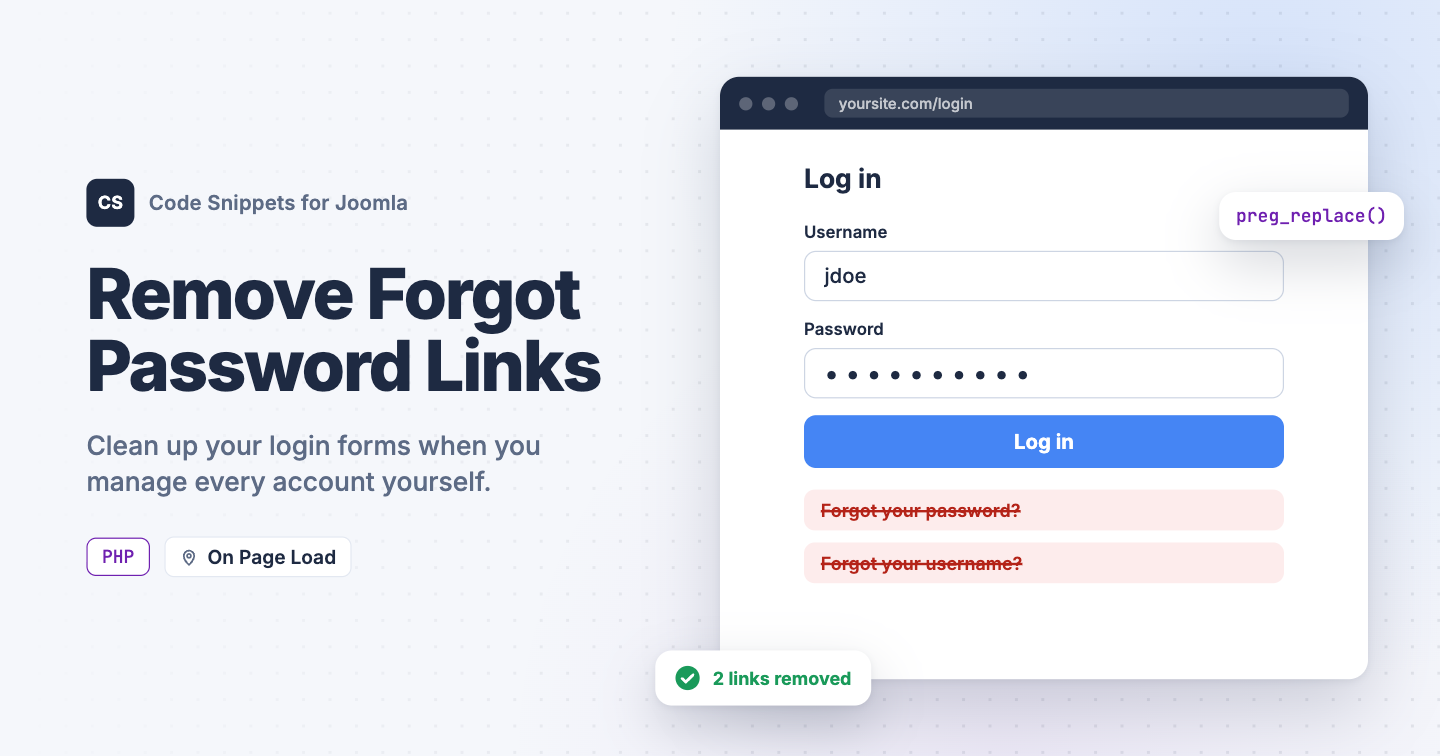
On an intranet, a members-only club or any site where you create every account yourself, the "Forgot your password?" and "Forgot your username?" links invite requests you don't want. Strangers and bots can also use those forms to send reset emails to your members. Joomla has no setting to hide them. You can remove them with one PHP snippet in Code Snippets.
The PHP snippet code
The snippet takes the finished page and removes the 2 links with preg_replace, both on the login page and in the login module. It builds each link with Joomla's own router, so it finds them with or without search engine friendly URLs.
use Joomla\CMS\Factory;
use Joomla\CMS\Router\Route;

// true also closes the reset pages, so typing their address doesn't work either.
// Visitors who try end up on the login page.
$closePages = true;

// Do not edit below.

$app   = Factory::getApplication();
$input = $app->getInput();

if ($closePages && $input->getCmd('option') === 'com_users')
{
    $isResetView = in_array($input->getCmd('view'), ['reset', 'remind'], true);
    $isResetTask = preg_match('/^(reset|remind)\./', $input->getCmd('task'));

    if ($isResetView || $isResetTask)
    {
        $app->redirect(Route::_('index.php?option=com_users&view=login', false));
    }
}

$app->registerEvent('onAfterRender', function () use ($app)
{
    if ($app->getDocument()->getType() !== 'html')
    {
        return;
    }

    $body = $app->getBody();

    foreach (['reset', 'remind'] as $view)
    {
        // Build the link exactly like the login form and login module do.
        $link = Route::_('index.php?option=com_users&view=' . $view);
        $url  = preg_quote($link, '#');

        // Remove the link, and the list item around it in the login module.
        $body = preg_replace(
            '#(<li>\s*)?<a [^>]*href="' . $url . '"[^>]*>.*?</a>(\s*</li>)?#s',
            '',
            $body
        );
    }

    // Drop the login module's list if no links are left in it.
    $emptyList = '#<ul class="mod-login__options[^"]*">\s*</ul>#';
    $body      = preg_replace($emptyList, '', $body);

    $app->setBody($body);
});
With $closePages set to true, the snippet also closes the password reset and username reminder pages. Anyone who opens them or sends their forms lands on the login page, and no email goes out. Set it to false to hide the links but keep the pages working.
If you allow registration, the Create an account link stays where it is.
How to add this snippet
- Install Code Snippets if it isn't installed already.
- Log into your Joomla backend.
- Go to Components → Tassos Code Snippets.
- Click New.
- Enter a title, for example Remove forgot password links.
- Set Code Type to PHP.
- Set Insertion Method to Auto-Insert Locations.
- Set Location to On Page Load.
- Paste the code above into the editor.
- Click Save & Close.
PHP snippets run on the frontend of your site only, so your Joomla administrator isn't affected. You can still set a new password for any user in Users → Manage.
Check that it works
- Open your site in a private browser window.
- Go to your login page.
The "Forgot your password?" and "Forgot your username?" links should be gone from the login page and from every login module. With $closePages set to true, opening index.php?option=com_users&view=reset on your site takes you back to the login page.
To choose where each user group lands after login, see Redirect Users After Login by User Group in Joomla. To learn more about how PHP snippets work, read the PHP snippet docs.




 Rated: