

-
- Managing Form Submissions
- Searching and Filtering Submissions
- Submission Context Tracking
- Customizing Submission Columns
- Editing Submissions
- Deleting Submissions
- Importing Submissions
- Exporting Submissions
- Exporting Submissions with a Webhook URL
- Tracking the User's IP Address
- Tracking the User's Country
- Disable Submission Storage
- Auto-Delete Old Submissions
- Auto-Save Each Submission to a JSON file
- Increment a Count on Each Submission
- Add a Unique ID to Each Submission
-
- Email the Person Who Filled Out the Form
- Send an Email Only When a Checkbox Is Checked
- Attach the Submission PDF to Emails
- Send Email Based on Drop Down Selection
- Send Different Email Content Based on Form Responses
- Set up Auto-Responder Emails
- Styling Emails with CSS
- Sending Plain-Text Alternative Body Emails
- Troubleshooting Email Delivery
- Tracking Sent Emails
- Resending Emails
-
- Browser Autocomplete for Form Fields
- Redirect to a Menu Item After Form Submission
- Show a Form Only to Logged-In Users
- Adding an “Other” Option
- Show or Hide Form Fields Based on User Joomla User Group
- Scroll the Page to the Top When a Long Form is Submitted
- Display Submissions Count for a Specific Form
- Populate Drop Down, Radio Buttons or Checkboxes with a CSV File
- Silently POST Submitted Data to Any API or URL
- Create a Custom Login Form
- Auto-Populate Fields with Article Data
- Add a placeholder text to a Dropdown field
- Create Multilingual Forms in Joomla
- Redirect User to a URL After Form Submission
- Importing and Exporting Forms
- Display Convert Forms in a popup
-
- Troubleshooting Spam Submissions
- Updating from Convert Forms 5 to 6
- Troubleshooting Form Submission Errors
- Troubleshooting Form Rendering Issues with Joomla Cache
- Troubleshooting Issues with the Joomla Email Cloak Plugin
- Campaigns Feature Is Deprecated: Migrate to Tasks
- Prevent Form from Getting Covered by a Sticky Menu Bar
- Troubleshooting Convert Forms
-
- CSRF Token
- Does Convert Forms Use Cookies?
- Minimum Time to Submit
- Restrict Form Submissions Based on IP
- Enforcing a Custom Password Policy in Convert Forms
- Add ALTCHA Proof of Work to your Joomla form
- Add Cloudflare Turnstile to your Joomla Form
- Implement the Iubenda Consent Database in Joomla with Convert Forms
- Add Custom Validations to Fields and Forms
- Add Math Captcha to your Form
- Prevent a Field From Saving in the Database
- Add hCaptcha to your Form
- Enable Double Opt-in
- Allow Form Submissions in Specific Date Range
- Ensure a Unique Value is Entered Into a Field
- Block Form Submissions Containing Profanity (Bad Words)
- Block Email Addresses or Email Domains
- Honeypot
- Setting Up Google reCAPTCHA
- Create GDPR Compliant Forms
CSRF Token Protection
Protects against cross-site request forgery (CSRF) attacks by ensuring that each form submission includes a valid security token.
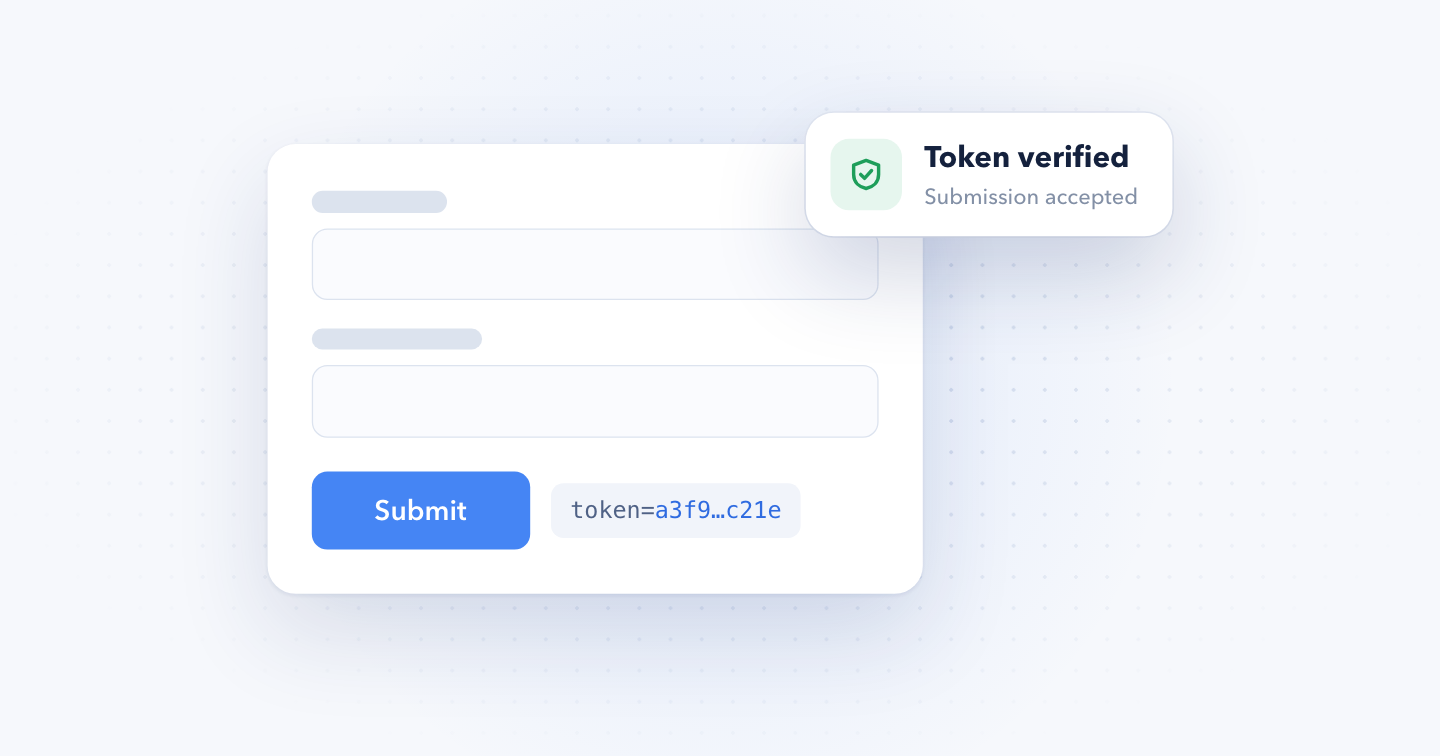
The CSRF token check makes every form submission prove it came from a page on your site. When it's on, Convert Forms only accepts a submission if it carries the visitor's Joomla security token, and it rejects everything else before any of your form's tasks run.
How it works
Joomla gives every visitor session a unique security token, also known as a CSRF token. When the check is on, Convert Forms reads that token from each submission and compares it with the visitor's session. It checks the same token on the requests some fields send in the background, like file uploads.
Many spam bots never load your page. They send their data straight to the form's submission URL, so they have no valid token, and the check blocks them.
The check is off by default and applies to every form on your site.
Enable the CSRF token check
- Log into your Joomla backend.
- Go to Components → Convert Forms.
- Click Options in the top-right toolbar.
- Open the Security tab.
- Set Use Joomla! CSRF Token to Yes.
- Save.
Then submit a test entry from the front end to make sure the form still works.
Troubleshooting
Visitors see an invalid security token error
The message The most recent request was denied because it contained an invalid security token means the token in the submission didn't match the visitor's session. It usually happens because:
- The Session Lifetime in Joomla's Global Configuration is too low, so the session expires while the visitor is still filling in the form. Raising it means fewer invalid token errors for real visitors.
- Joomla's Page Cache plugin is enabled. In most cases, disabling it fixes the error.
- You load the form with a module while Joomla's cache is on. Disable the module's Caching option.
If none of these helps, turn the check off again:
- Log into your Joomla backend.
- Go to Components → Convert Forms.
- Click Options in the top-right toolbar.
- Open the Security tab.
- Set Use Joomla! CSRF Token to No.
- Save.
For other ways to stop spam, see Troubleshooting Spam Submissions.


 Rated: